 ETB
 KES - Kenya
 UGX - Uganda
 TZS - Tanzania
 RWF - Rwanda
 NGN - Nigeria
 ZAR - South Africa
 USD - Zimbabwe
 GHS - Ghana
 ZMW - Zambia
 USD - International

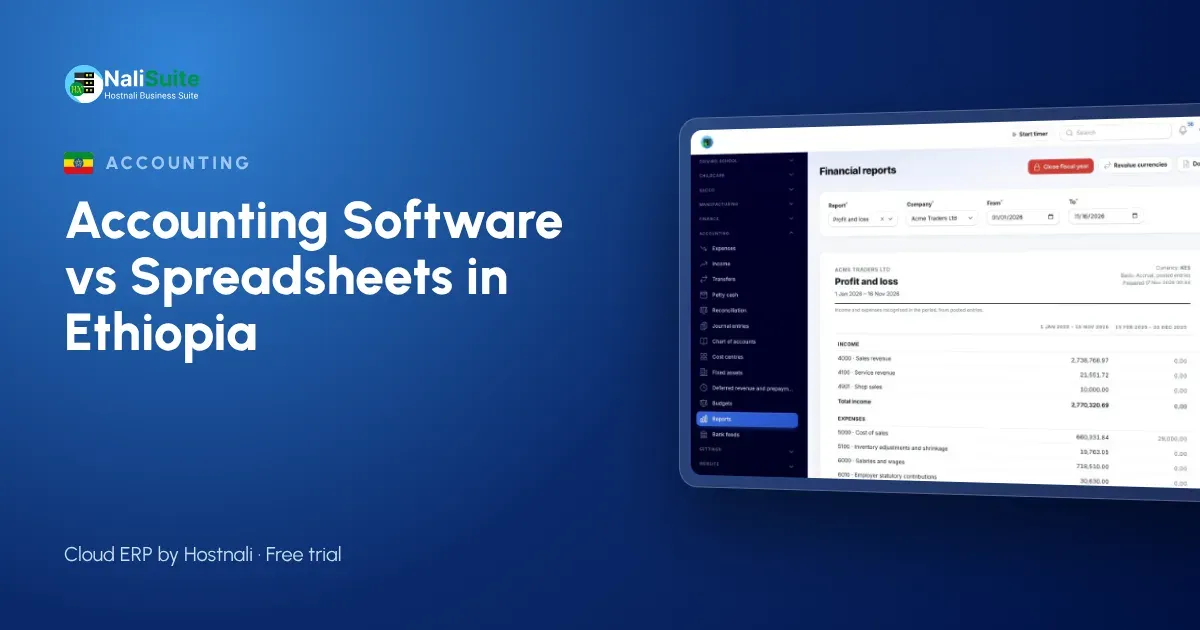
Spreadsheets are deeply rooted in Ethiopian offices. Many accountants learned their trade on Excel, and a well-built workbook in Addis Ababa can be a small work of art. So the question is not whether Excel is a good tool. It is whether it is still the right tool for your business today.
What Excel does well
It would be unfair to start with the problems. A spreadsheet is:
- familiar, so staff need no training;
- flexible, so you can model a new product line or price change in minutes;
- cheap, because it is already on most office computers.
For budgeting, quick calculations and one-off analysis, Excel remains excellent. The question is about the books themselves.
What goes wrong when the books live in Excel
Bank transfers without narration
Customers pay by bank transfer, often without quoting an invoice number. Matching each birr credit to the right customer is slow, and payments end up in a suspense list that grows every month.
One file, many hands
A sales officer in Hawassa and a cashier in Addis Ababa both need to record transactions. Emailing a file back and forth creates versions that never quite agree.
VAT and receipting
Where you are registered for VAT, the 15% rate has to be applied correctly on each sale and purchase. Ethiopia also has rules on sales registers and receipting; which apply to you depends on your registration, so confirm them with the Ministry of Revenues or your accountant. A spreadsheet can calculate a figure, but it cannot link that figure to the document behind it.
Myths worth dropping
“Our accountant prefers Excel.” Most accountants prefer accurate books. With software they can be invited with access for your accountant to review and close the same ledger the business uses, instead of receiving files.
“We will lose control of our data.” The books stay in one place instead of in copies of a file on different computers, and every figure is posted from a real invoice, bill or payment.
“It is only for big companies.” Plans are priced for small teams, and a single office gets the same core apps as a large group.
What the switch gives an Ethiopian business
| Job | In Excel | In NaliSuite |
|---|---|---|
| Recording sales | Typed after invoicing | Posted when the invoice is issued |
| Bank credits | Matched by searching | Imported and matched |
| VAT at 15% | Calculated from totals | Calculated per line |
| Several users | Shared file | One set of books online |
| Reports | Built monthly | Always available |
The Accounting app keeps the double-entry ledger, Invoicing issues the documents and reconciliation brings bank statements in. Invoices can also carry a pay link so customers pay by card or bank through your own provider; see online payments.
Planning the move around your financial year
Ethiopian businesses often prefer to switch at the start of a new financial year so that the year’s figures sit in one system.
- Close the year in your workbook.
- Export customers, suppliers and items.
- Import them and post the closing balances as opening balances.
- Enter any invoices and bills still open.
- Begin the new year in the software.
The switching guide has notes for anyone moving from QuickBooks, Sage or Tally.
A second example: an Adama flour mill
A flour mill near Adama buys wheat from traders, mills it and sells flour to bakeries and wholesalers on credit. Purchases are weighed and paid by bank transfer, and bakeries pay when they can. The mill’s spreadsheet recorded quantities in one workbook and money in another, so the cost of each tonne of flour was always an estimate.
In software, wheat purchases are bills that add stock, the milling step can be tracked with the Manufacturing add-on, and sales to bakeries are invoices that take flour out of stock again. Bank transfers are matched to the right bakery’s invoices. The owner can see stock, debts and profit in one place.
Ethiopian checklist before switching
- Choose a start date at the beginning of the Ethiopian financial year, or a month that is easy to close.
- Confirm with your accountant how VAT at 15% and any receipting rules will be handled.
- Collect the TINs of business customers and suppliers.
- List every bank account used for receipts, so reconciliation covers all of them.
- Decide who records sales, who records purchases and who reviews the books.
Frequently asked questions
Can we keep using Excel for budgets?
Yes. Many businesses keep Excel for planning and use the software for the books. Lists can be exported to Excel or CSV whenever needed.
Is training needed?
Very little. Staff who can use Excel usually pick up invoicing and payments within a day.
Can amounts be shown in birr?
Your books and invoices use your local currency, with the option to invoice foreign customers in theirs.
Can we record purchases from traders who do not issue invoices?
Record each purchase as a bill with whatever document you receive, and ask your accountant how such purchases should be treated for tax.
Try NaliSuite
Keep Excel for what it is good at and move the books somewhere safer. Plans start at ₵25 a month, with a free trial. View the plans.