 ETB
 KES - Kenya
 UGX - Uganda
 TZS - Tanzania
 RWF - Rwanda
 NGN - Nigeria
 ZAR - South Africa
 USD - Zimbabwe
 GHS - Ghana
 ZMW - Zambia
 USD - International

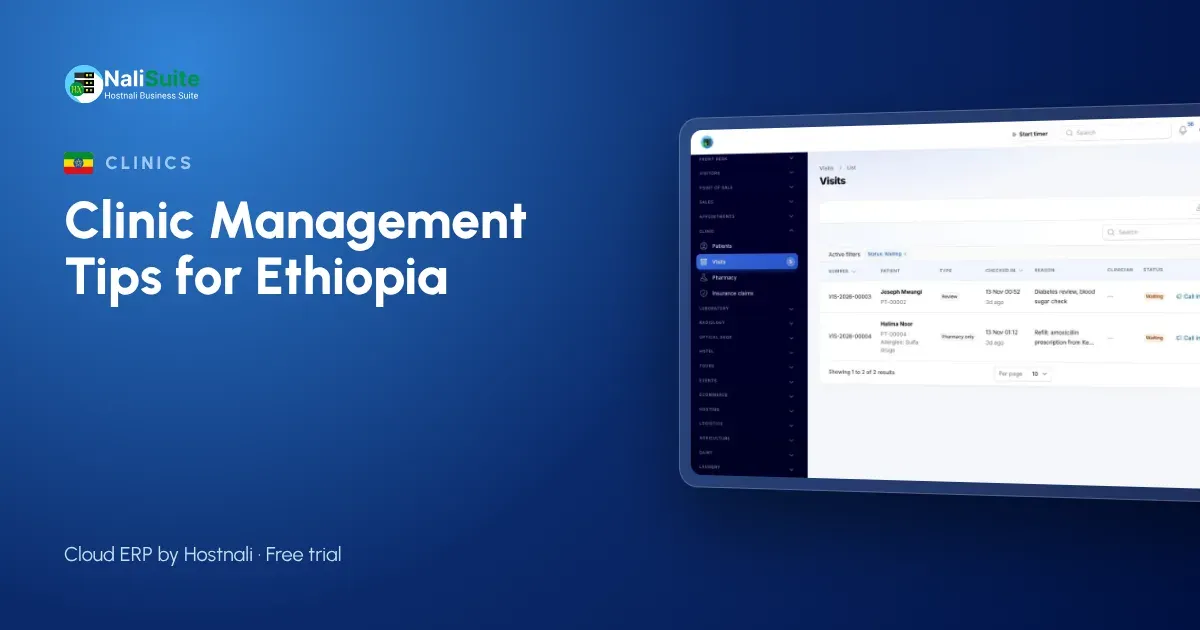
Private clinics in Ethiopia are growing fast in Addis Ababa and in regional towns, and many now run a pharmacy and laboratory on site. Growth exposes weak systems quickly: files that cannot be found, medicines that expire and tests that are done but not billed.
Here is a practical way to tighten each part of the practice.
Fix the queue before anything else
Most complaints in a busy practice start at the front desk: long waits, people skipping the line, files that cannot be found. A simple rule helps: nobody sees a clinician until they are checked in, and the queue is the same list for everyone.
A shared check-in queue in the Clinic and Pharmacy add-on does exactly that. Add a public booking page through Appointment Booking for regular patients and antenatal or review visits, and you can plan the day around booked slots and walk-ins together.
Make the patient file the single source of truth
When a patient tells three people about the same allergy, one of them will forget to write it down. Store allergies, conditions and insurance details once, on the patient record, and show them wherever the patient is seen.
Consultation notes, vitals and diagnoses then build a history that any authorised clinician can read, which matters most when the regular doctor is away.
Notes for Ethiopian practices
Most patients pay out of pocket, with some covered by employers or insurers, so the visit bill should show both clearly. Card and bank transfer payments should be matched to the visit the same day.
Patient records are personal data under the Personal Data Protection Proclamation No. 1321/2024. Give each staff member their own login and only the access their role needs.
Treat medicines as stock, not as a cupboard
Every tablet that leaves the dispensary should leave the books too. When prescriptions are dispensed from stock, you always know what is left and what to reorder.
Keep stock per location if you have a main store and a dispensing counter, record batches as lots in Inventory, and use reorder rules so purchases are raised before the shelf is empty.
Five things to avoid
- Typing the same patient details at reception, in the consultation room and at the cashier.
- Letting staff take payments to personal phones instead of against the visit.
- Counting medicines once a year instead of every month for the fast movers.
- Releasing lab results that nobody has checked.
- Giving every staff member access to every record.
Bill once per visit and claim the covered share
Separate bills for consultation, lab and pharmacy confuse patients and leak revenue. One bill per visit, with each service and medicine added as it happens, is easier to pay and easier to check.
Where a patient is insured, the Clinic and Pharmacy add-on raises an insurance claim for the covered share, and the patient pays the balance by card or bank transfer through your payment provider. Payments are matched to the visit, so the cashier closes the day with figures that agree.
Example: a medium clinic in Hawassa
A medium clinic in Hawassa with a laboratory and pharmacy used three separate registers. With one system, the laboratory receives orders from the consultation, labels samples with barcodes and releases verified PDF reports, the pharmacy dispenses from stock, and the cashier closes each visit on one bill. Unbilled tests stopped appearing in the month-end count.
Give the lab its own workflow
Lab work needs more than a results column in the patient file. Tests need codes, sample types, normal ranges and someone to check results before they go out.
The Medical Lab add-on keeps a test catalogue with sample types, prices and turnaround times, labels samples with barcodes, flags results high or low as they are typed and asks a second person to verify before the PDF report is released.
Your first month, step by step
Week one: load your patient list, services and medicine prices, and set up staff logins. Week two: run the queue and consultations on the system while the pharmacy counts stock. Week three: switch billing and payments by card or bank transfer through your payment provider to the visit bill. Week four: review the first reports and add the lab or booking add-on if you need them.
Frequently asked questions
Can we run the laboratory on the same system?
Yes. The Medical Lab add-on handles tests, barcoded samples, flagged results and two-step verification, with tests billed on the clinic visit.
Is there a mobile app?
NaliSuite runs in the browser on phones and tablets, so clinicians can work from the devices they already use.
Is the clinic software an extra cost?
Clinic and Pharmacy, Medical Lab and Appointment Booking are add-ons to any NaliSuite plan, so you add only the ones your practice needs. Plans start from ₵25 a month.
Can a small clinic use it, or only hospitals?
It suits small practices well: start with patient records, the queue and billing, and add the lab or online booking later as you grow.
Try NaliSuite
NaliSuite is a cloud ERP that runs your clinic’s records, pharmacy stock, billing and books in one place. See how it fits clinics, pharmacies and laboratories, then start a free trial and add the clinic add-ons when you are ready. Plans start from ₵25 a month; compare the plans.