 ETB
 KES - Kenya
 UGX - Uganda
 TZS - Tanzania
 RWF - Rwanda
 NGN - Nigeria
 ZAR - South Africa
 USD - Zimbabwe
 GHS - Ghana
 ZMW - Zambia
 USD - International

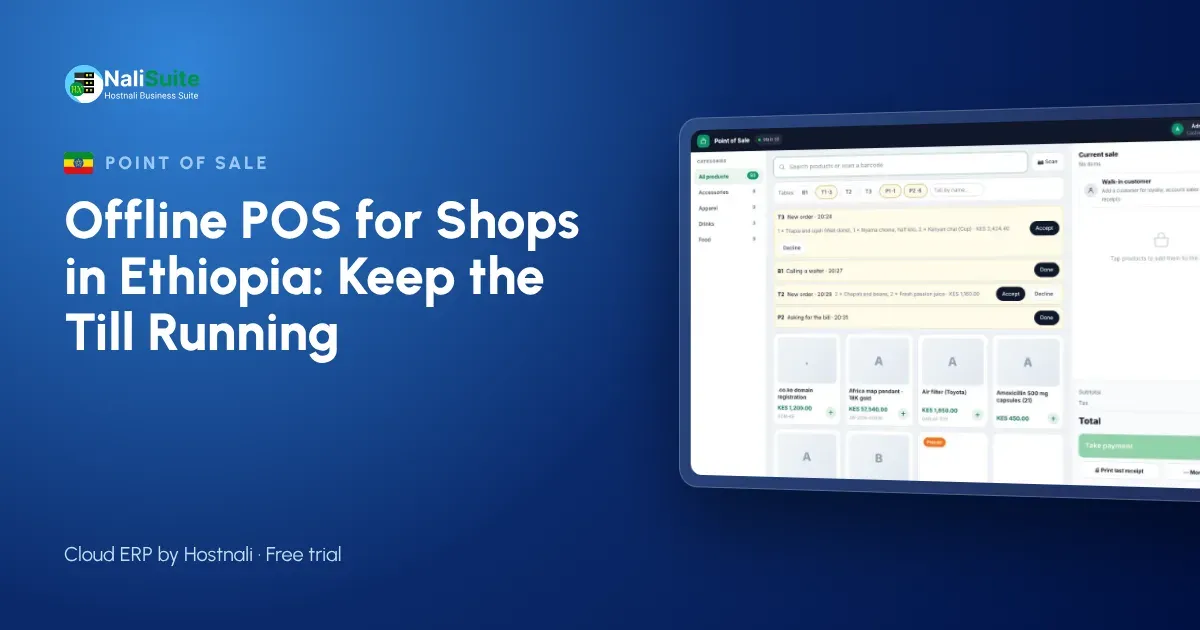
In Addis Ababa and in regional towns alike, shops plan around power interruptions and patchy connectivity. When the till depends on the internet, every interruption becomes a queue and a gap in your records. An offline point of sale keeps the counter working and fills in the cloud later.
Taking payment when you are offline
Customers do not care that your router is down; they want to pay and go. Agree a simple routine with your cashiers: take cash and card as normal, confirm any mobile or bank payment on the shop phone before handing over goods, and record the method on the sale. When the till reconnects, payments are matched to their sales and the takings report is complete.
Split payments help a lot here. A customer can pay part in cash and the rest another way, and the till keeps both on one receipt.
Read more about card and online payments at the till on our payments page.
Connectivity and payments in Ethiopia
Network quality varies a lot between neighbourhoods and towns, and mobile data can slow down sharply at busy times. Many businesses also keep generators or batteries for the lights but not for the router.
Payment habits are changing too. Cash is still common, while bank transfers and mobile wallets such as telebirr are growing. Whatever your customers use, the till should record how each sale was paid so the evening count matches.
Stock that follows every sale
Every sale should reduce stock in the shop where it happened, whether the till was online or not. That only works when the point of sale and inventory are part of one system rather than two that export to each other at night. With one system, reorder points trigger at the right time, the stock-take finds fewer surprises, and you can see slow movers before they tie up your cash.
Example: a mini-market in Hawassa
A mini-market in Hawassa runs one laptop till. The connection drops for most of a busy afternoon. The cashier keeps selling in offline mode: groceries, soft drinks and household goods are scanned as usual, cash and transfers are recorded, and receipts are printed on a thermal printer. When the network returns, the afternoon’s sales upload and the stock levels are correct before the owner places the next order with a supplier in Addis Ababa.
The Ministry of Revenues sets rules on sales receipts and cash register machines, so check what applies to your business.
Setting up an offline till in a day
Start small. Import your product list with barcodes and prices, set opening stock for one shop, and open the point of sale on a tablet or laptop you already have. Pair a thermal printer, open a session with a float and make a few test sales. Then pull the router’s plug, make another sale, plug it back in and check that the sale arrives in the reports.
Once the first shop runs smoothly, add the next branch, its stock location and its cashiers.
Receipts customers can keep
Paper receipts still matter for many customers, so make sure the till works with ordinary thermal printers. For everyone else, a receipt by SMS or WhatsApp is faster and harder to lose. Offline, the printer works as usual and digital receipts wait in the queue until the device has signal.
Either way, every receipt carries the same sale number as the record in the cloud, which makes refunds and exchanges easy to trace.
Practical setup for Ethiopian shops
A laptop with a good battery is often the best till in Ethiopia, because it can keep selling through long interruptions. Pair it with a thermal receipt printer and a USB barcode scanner. If you have a generator, put the router on it as well as the lights.
Decide how cashiers should record transfers and wallet payments when the till is offline, and check them against your bank and wallet statements the same day. For businesses with branches in different towns, give each branch its own till and stock, so you can compare branches fairly and move stock where it sells.
Frequently asked questions
Do I still need a fiscal cash register?
Check the current requirements with the Ministry of Revenues for your type of business. NaliSuite records every sale and receipt, but it does not replace a device the law asks you to use.
Can I see sales from home?
Yes, as soon as the tills are online. Sales made offline appear when the till syncs.
What is an offline POS?
A point of sale that keeps recording sales without the internet and syncs them to the cloud when the connection returns.
Try NaliSuite
NaliSuite’s offline POS is part of every plan, from ₵25 a month, together with inventory, invoicing and accounting. Start a free trial, unplug your router and see for yourself. See plans.