 GHS
 KES - Kenya
 UGX - Uganda
 TZS - Tanzania
 RWF - Rwanda
 NGN - Nigeria
 ZAR - South Africa
 USD - Zimbabwe
 ETB - Ethiopia
 ZMW - Zambia
 USD - International

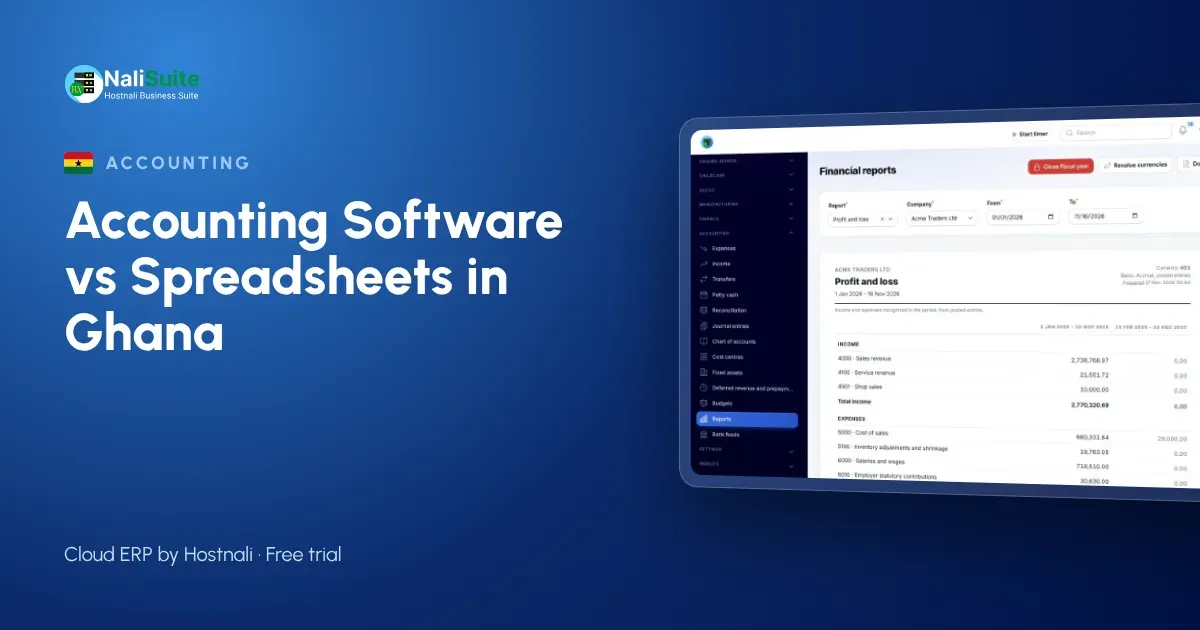
Ask a group of business owners in Accra or Kumasi why they still keep their books in Excel and you will hear the same handful of reasons. Some of them are fair. Others are myths that cost money. Let us go through them one by one.
Myth 1: “Excel is free, software is an expense”
Excel has no monthly fee, but it is not free. Someone spends hours every week copying MTN MoMo and bank transactions into the sheet, chasing differences and rebuilding reports. If that someone is the owner, the cost is time that should go into selling.
The fair point: for a very small business with a handful of transactions, Excel genuinely is cheaper. Once you are processing dozens of payments a week, the hours add up to more than a software plan.
Myth 2: “My books are fine, I know every number”
Owners often do know their numbers, until the business grows past what one head can hold. A second branch, a new salesperson or a big credit customer is enough. The danger is that a spreadsheet looks just as confident when it is wrong as when it is right.
Myth 3: “Software is too complicated for my staff”
Modern accounting software is often simpler than a heavily customised workbook. Staff raise invoices and record payments on a phone or laptop, and the ledger, VAT and reports follow without anyone touching a formula. The NaliSuite Accounting app is designed for people who are not accountants.
Myth 4: “GRA only wants my totals”
GRA, and your accountant, need totals that agree with the invoices and receipts behind them. When questions come, you have to produce the documents quickly. A spreadsheet stores numbers; software keeps the invoice, bill and payment together. Ghana’s VAT and related levies have their own rules, so check the rates that apply to your business with GRA or your accountant, and use the VAT calculator to test a figure with the rate you confirm.
Myth 5: “Switching means losing my history”
You keep your old workbook as an archive. The move brings across only what the new books need: customers, suppliers, products, opening balances and anything still unpaid.
What actually changes in software
- Sales post themselves. An invoice from NaliSuite Invoicing updates the ledger and the customer’s balance at once.
- MoMo and bank receipts get matched. Statements are imported into reconciliation and paired with open invoices.
- Customers can pay from the invoice. A pay link lets them use MTN MoMo, card or bank transfer.
- Reports are always current. Profit and loss, balance sheet and cash flow come from the same records.
When staying in Excel makes sense
If you trade alone, sell for cash, are not VAT-registered and have only a few transactions a week, a careful spreadsheet is fine for now. Revisit the decision when any of those four things changes.
A simple switch for a Ghanaian SME
- Pick the first day of a month.
- Export customers, suppliers and products to CSV.
- Import them and enter opening balances and unpaid invoices.
- Record the first month in both places and compare.
- Keep the workbook as read-only history.
More detail, including moves from QuickBooks or Tally, is in the switching guide.
A second example: a Takoradi auto parts dealer
An auto parts dealer in Takoradi sells to mechanics on credit and to walk-in customers for cash and MoMo. In the spreadsheet, credit sales were tracked on one tab and MoMo receipts on another, and the two were compared by eye at month-end. Several mechanics paid by MoMo without saying which invoice they were paying, and those payments sat unmatched.
In software, each mechanic’s sales are invoices on his account, MoMo statements are imported and paired with open invoices, and anything left over is a short list rather than a whole tab. Counter sales go through the till and take parts out of stock as they are sold.
Ghanaian mistakes to avoid
- Mixing personal and business MoMo. Use a separate wallet for the business so statements only contain business payments.
- Skipping VAT set-up. Set up the VAT and levy rates your accountant confirms before the first invoice.
- Leaving opening balances vague. Agree every customer and supplier balance at the start date before you rely on statements.
- Training one person only. Show at least two people how to record sales and payments.
Frequently asked questions
Can I still give my accountant a spreadsheet?
Yes. Lists can be exported to Excel or CSV, and your accountant can be invited with access for your accountant to review the books.
Does it work if my internet is unreliable?
NaliSuite works in the browser on mobile data, and the point of sale keeps selling offline.
How do I know the numbers are right?
Every entry is linked to a document, and reconciliation confirms the books match your bank and MoMo statements.
Can I issue invoices from my phone?
Yes. Invoices can be raised and sent from a phone browser, with a pay link for MoMo, card or bank.
Try NaliSuite
If two or more of these myths sounded familiar, a free trial will show you the difference. Plans start at ₵25 a month. See the plans.