 GHS
 KES - Kenya
 UGX - Uganda
 TZS - Tanzania
 RWF - Rwanda
 NGN - Nigeria
 ZAR - South Africa
 USD - Zimbabwe
 ETB - Ethiopia
 ZMW - Zambia
 USD - International

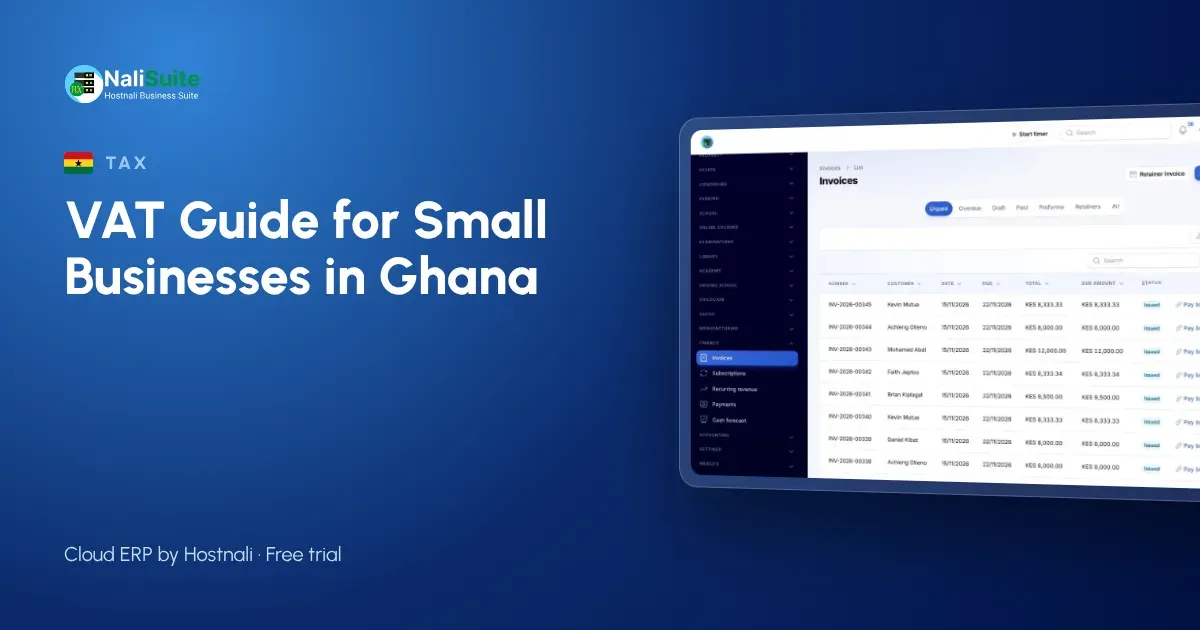
Ghana’s VAT has changed shape several times, and the levies charged alongside it have changed too. So this guide doesn’t print a rate for you to copy. Instead it shows how to handle VAT properly, whatever rate the Ghana Revenue Authority (GRA) currently applies, and how to keep your invoices and records tidy in Accra, Kumasi or Tamale.
First: confirm your rate with GRA
Before you set up prices, check the current VAT rate and any levies that apply to what you sell on the GRA website or with your accountant. Then enter that rate once in your system. NaliSuite lets you set your own tax rates, so when the law changes you update one setting.
Working with a rate: an example
Suppose, purely as an example, your combined rate were 15%. A GHS 2,000 job would become GHS 2,300 with VAT, and a GHS 1,150 inclusive sale would contain GHS 1,000 of revenue. Replace 15% with your actual rate in the free VAT calculator to get real figures.
What a Ghanaian VAT invoice should carry
Your customers who are registered for VAT need your TIN, the invoice number and date, the items and the tax shown separately. GRA may also require invoices to be issued through approved systems, so check its current guidance. NaliSuite Invoicing numbers invoices automatically and shows the tax on each line.
Mobile money and VAT
Many customers in Ghana pay by MTN MoMo. That’s convenient, but it creates a matching job: which MoMo payment belongs to which invoice? With NaliSuite’s mobile money payments, the customer pays from the invoice’s link and the invoice closes itself, so your VAT records and your cash agree.
Claiming input VAT
VAT on your purchases can usually be set against VAT on sales, if your supplier’s invoice is valid. Ask for a proper invoice every time, even from regular suppliers you know well.
Filing
Your return summarises VAT on sales and purchases for the period. Keep both in NaliSuite Accounting and the VAT report becomes your starting point. Check GRA for the filing period and deadline that apply to you.
A sample month for a Kumasi pharmacy
A sample pharmacy in Kumasi sells medicines, toiletries and baby products. Some of these are exempt from VAT and some are not. That is why it sets the tax on each product once instead of applying one rate to every sale. At the end of the month, its VAT report shows VAT only on the taxable items, and its input VAT comes from the invoices of the distributors it buys from.
The owner also checks that MoMo payments taken at the counter match the till’s totals, because a MoMo payment with no sale record is a sale the VAT report doesn’t see.
Setting aside the tax you collect
Every cedi of VAT you collect belongs to GRA. Moving it to a separate account each week means the return is never a scramble. NaliSuite’s reports show the VAT collected so far this month at any time.
When the rules change
Ghana’s tax rules have changed more than once in recent years. When they change again, update your tax settings once, check that new invoices use the new rate, and keep a note of the date you switched.
Second example: a service business in Tamale
A sample IT support firm in Tamale invoices a school for maintenance. It quotes before tax, adds the tax at the rate it confirmed with GRA, and shows the tax on its own line. When the school pays by MoMo through the invoice link, the invoice closes and the tax collected is ready for the return.
Before you file: a checklist
- All sales invoices are recorded, including cash and MoMo sales at the counter.
- Every supplier invoice you plan to claim is valid and on file.
- Exempt items are marked correctly in your product list.
- The VAT report matches your sales records.
Records GRA may ask for
Keep invoices, supplier invoices, credit notes and MoMo and bank statements for each period. If GRA asks about a figure, you should be able to show the documents behind it quickly.
Frequently asked questions
Why doesn’t this guide state Ghana’s VAT rate?
Because the rate and levies have changed in recent years. Check the current figures with GRA.
Can I change my tax rate in NaliSuite myself?
Yes. Tax rates are set in your settings, so you can update them when the law changes.
Do MoMo payments show on my VAT report?
The VAT is on the invoice; the MoMo payment settles it. Both appear in your books.
Can I claim tax on fuel for my delivery motorbike?
Claims depend on GRA’s rules and on having a valid invoice. Ask your accountant.
What if I sell both taxable and exempt goods?
Set the tax on each product. Your VAT report then separates the two.
Try NaliSuite
Your own tax rates, invoices that close when MoMo payments arrive and VAT figures for each period, from ₵25 a month. Plans.