 USD
USD KES - Kenya
 NGN - Nigeria
 ZAR - South Africa
WHMCS Mpesa Payment Module
$41.95/year
Order now- M-Pesa WHMCS Module automates M-Pesa payments for web hosting. It verifies payments and automates the service provisioning. Safaricom Till or Paybill are supported.

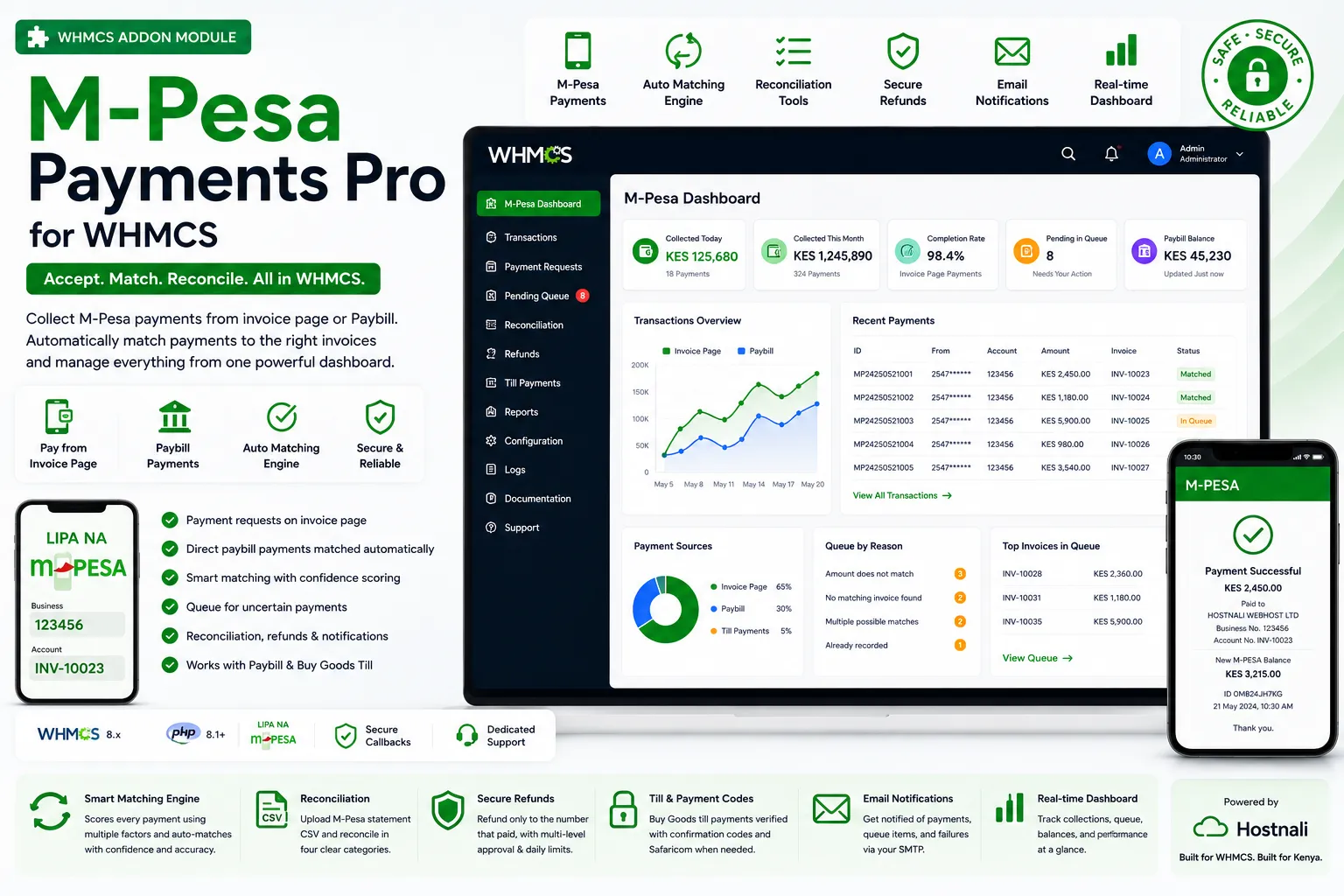
Accept M-Pesa payments. Match them to the right invoice automatically. Give your customers a faster way to pay their WHMCS invoices with M-Pesa Payments Pro. Accept payments directly from the invoice page or your M-Pesa Paybill, then intelligently match incoming payments to the correct WHMCS invoice without relying on manual reconciliation.
One licence covers one WHMCS domain. Prices in your currency, renewed yearly.
$41.95/year
Order nowM-Pesa Payments Pro for WHMCS is a powerful M-Pesa payment gateway and payment matching module for WHMCS designed for Kenyan web hosting companies, domain registrars, SaaS providers, and online businesses. The module allows customers to pay their WHMCS invoices directly using M-Pesa without leaving the invoice page, while also automatically processing payments made directly through your M-Pesa Paybill. With support for M-Pesa payment requests, direct Paybill payments, and Buy Goods Till payments, businesses can provide customers with a convenient local payment experience while keeping all transactions connected to WHMCS.
What makes M-Pesa Payments Pro different is its intelligent M-Pesa payment matching engine. Receiving a payment is only part of the challenge—correctly identifying which WHMCS invoice the payment belongs to is equally important. The module evaluates multiple factors including invoice numbers, customer phone numbers, payment amounts, previous payment history, account references, and common typing mistakes to determine the most likely invoice. Payments that meet the required confidence and matching criteria are automatically applied, while uncertain transactions are placed into a clear review queue instead of being incorrectly assigned. This helps prevent duplicate payments, incorrect invoice allocations, and manual reconciliation work.
The module also provides powerful M-Pesa reconciliation and payment management tools for WHMCS, including CSV statement reconciliation, partial payments, overpayments, automatic client credit handling, payment verification, refunds with approval controls, transaction logs, admin permissions, payment notifications, and a real-time payment dashboard. Every M-Pesa receipt is uniquely tracked to prevent duplicate processing, while callbacks are handled efficiently so payments can be received without unnecessary delays. With M-Pesa Payments Pro for WHMCS, hosting companies can automate M-Pesa collections, reduce payment-related support tickets, simplify financial reconciliation, and give customers a faster and more reliable way to pay their WHMCS invoices.
M-Pesa Payments Pro collects M-Pesa payments inside WHMCS and, more importantly, works out which invoice each one belongs to. Clients pay from the invoice page without leaving it, paybill payments made straight from a phone are matched automatically, and anything the module is not certain about waits in a queue that explains itself instead of guessing.
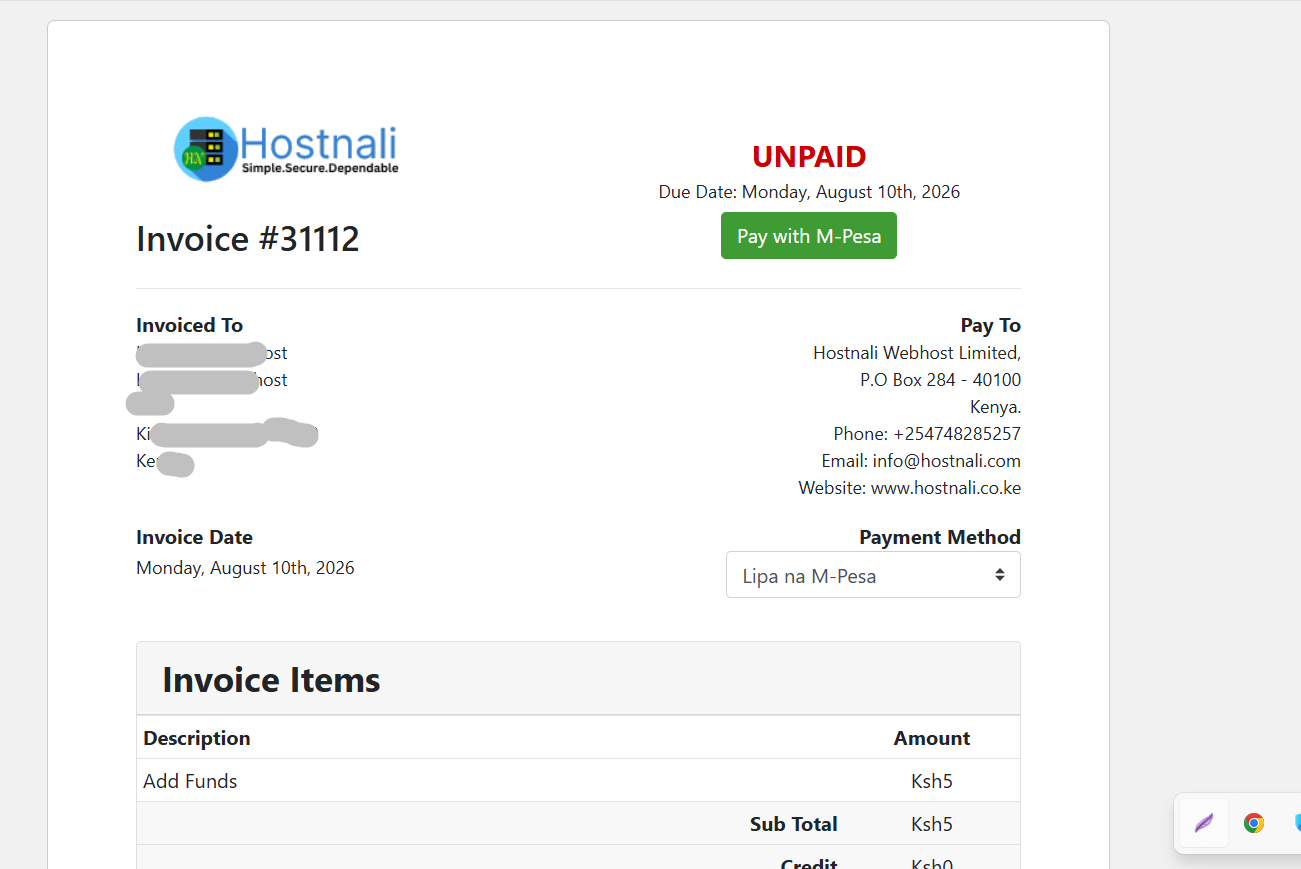
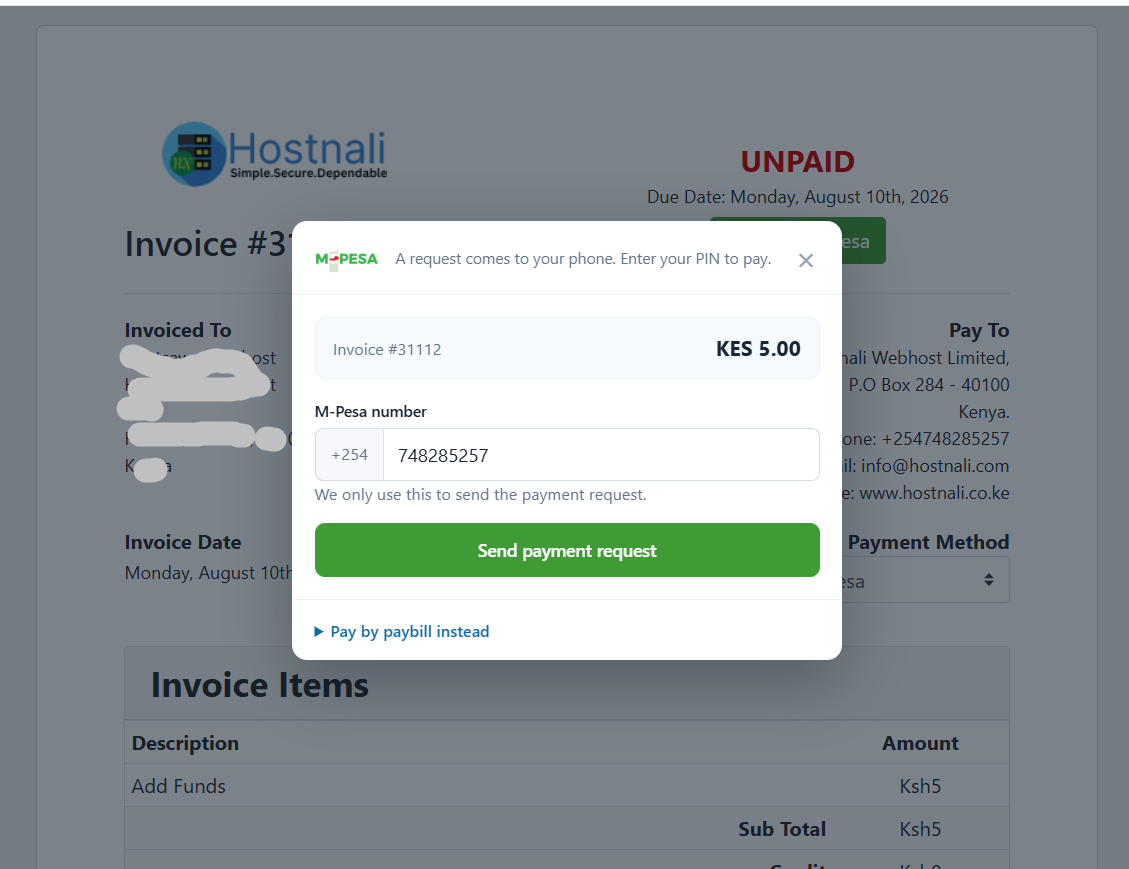
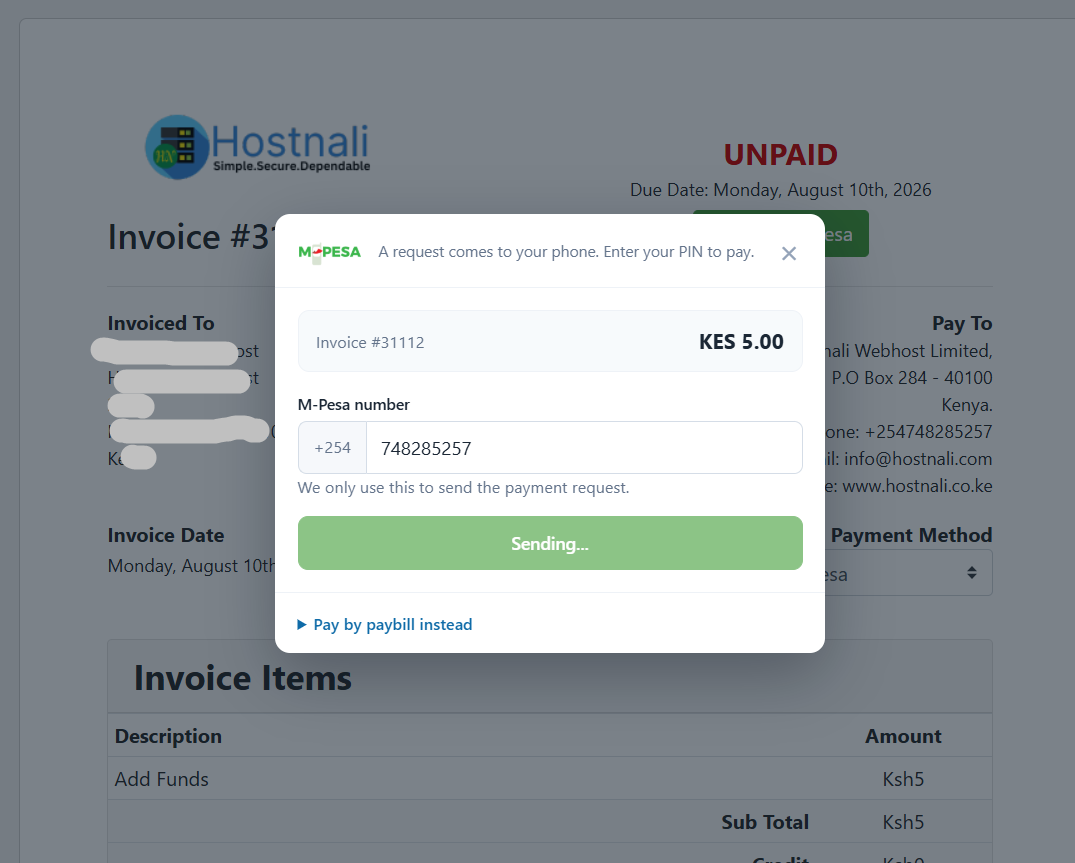
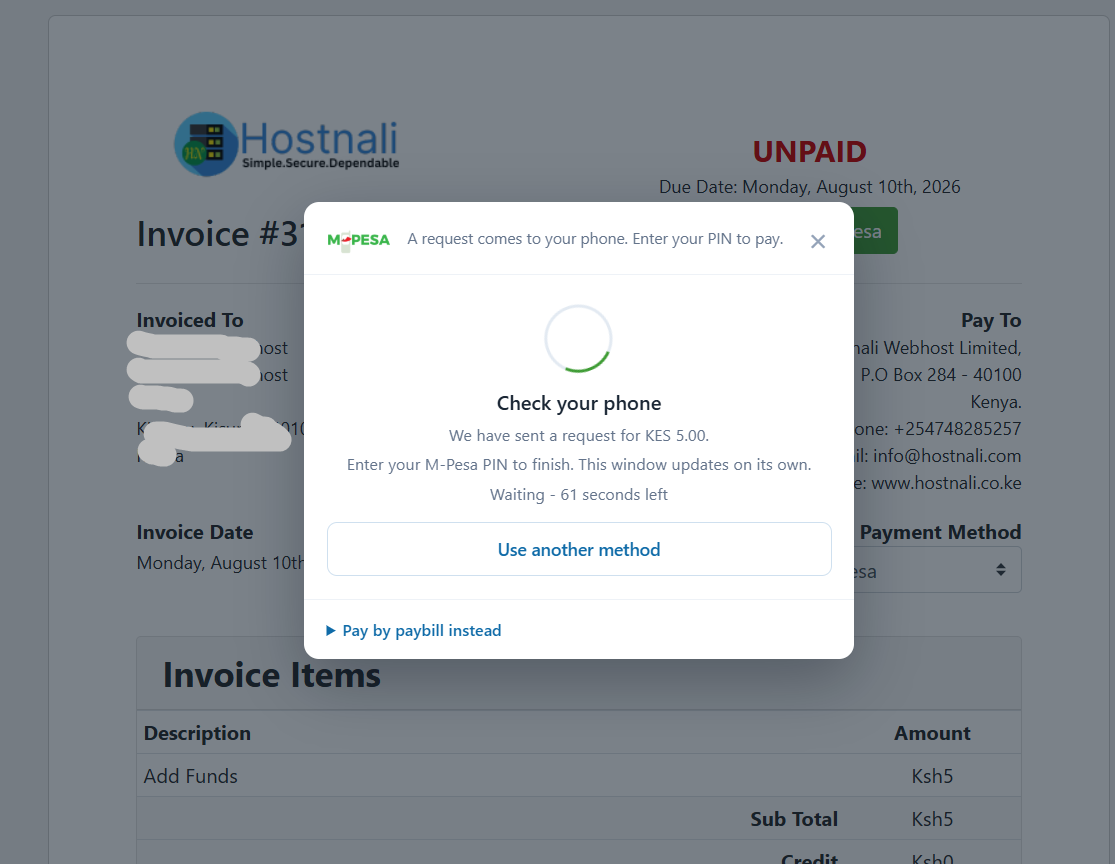
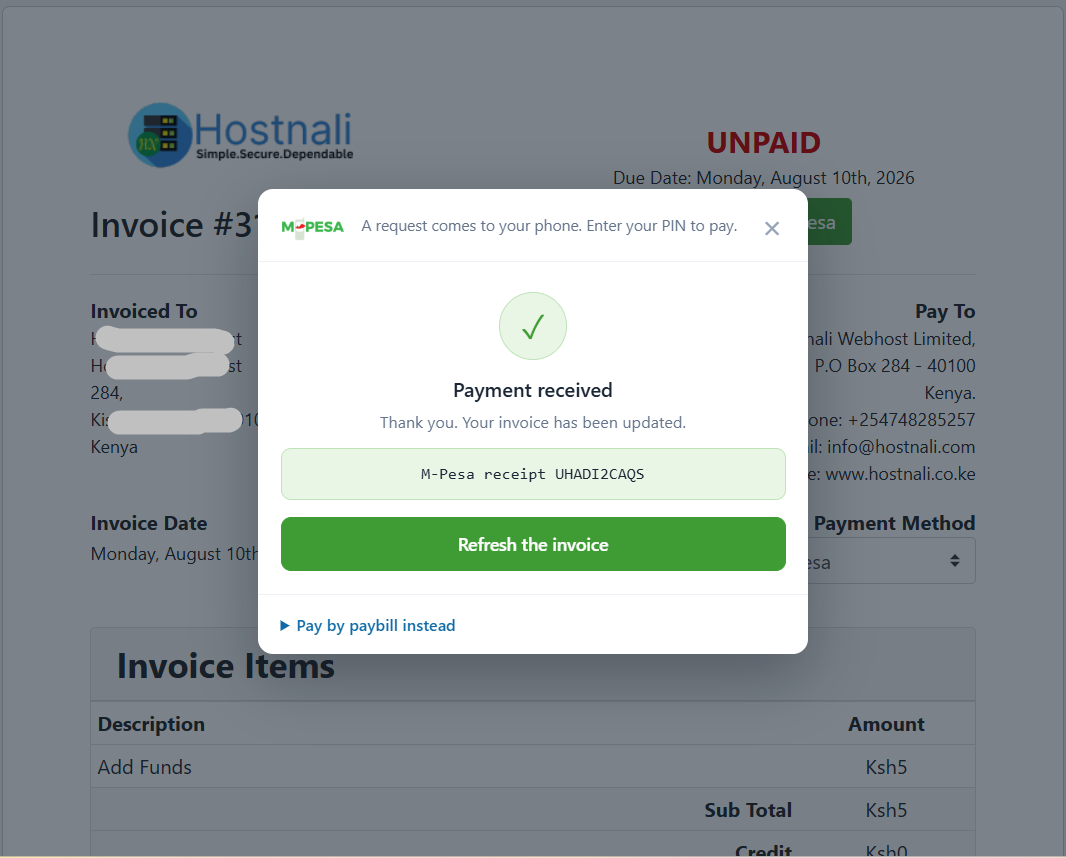
The client presses your normal Pay Now button, types their number, and approves the payment on their phone. The invoice page updates itself the moment the money lands — no reloading, no "have you paid yet".
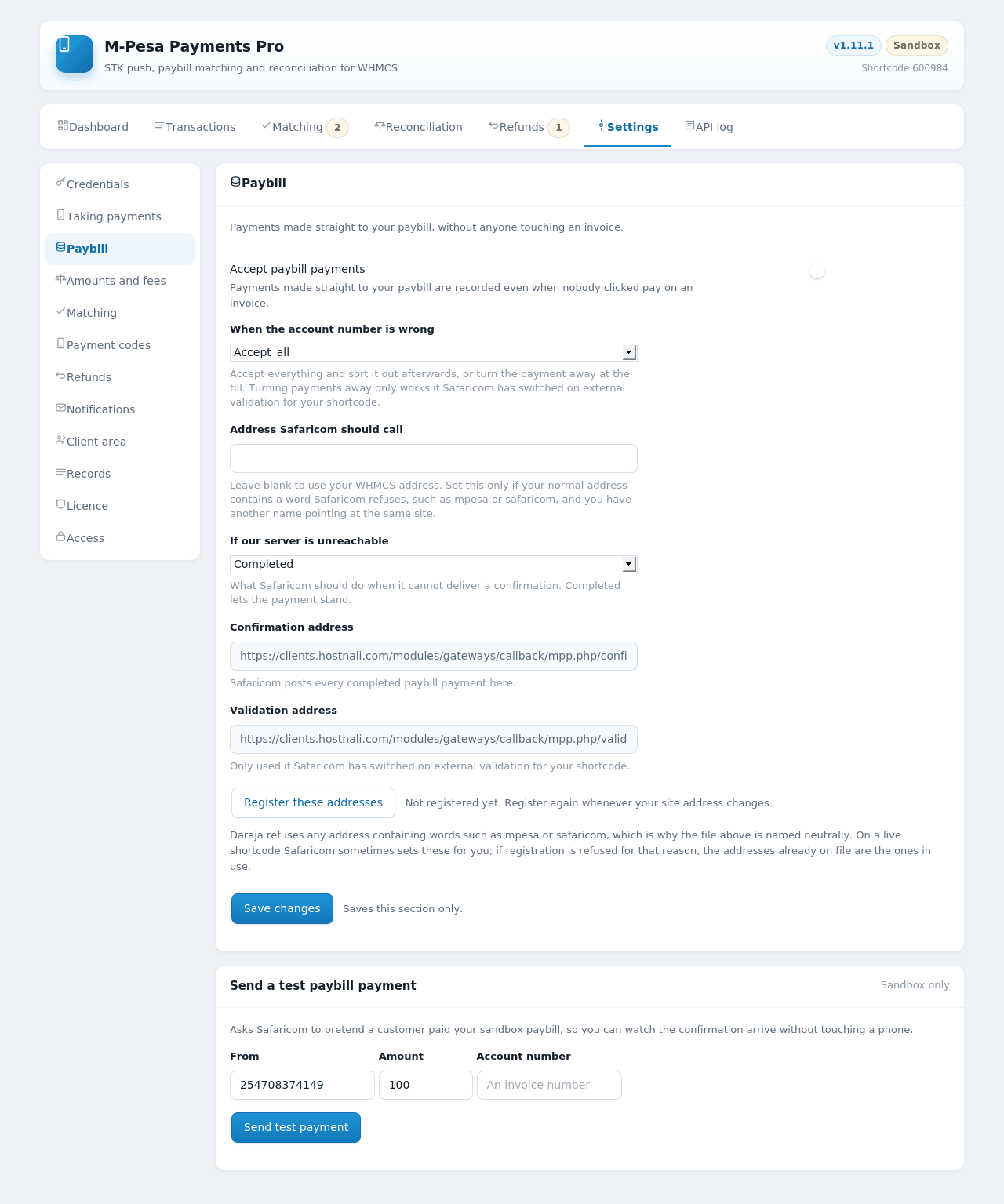
Someone who pays your paybill from their phone, with no browser involved, still gets their invoice marked paid within seconds — provided they quoted the invoice number, which the module checks and corrects for common typing mistakes.
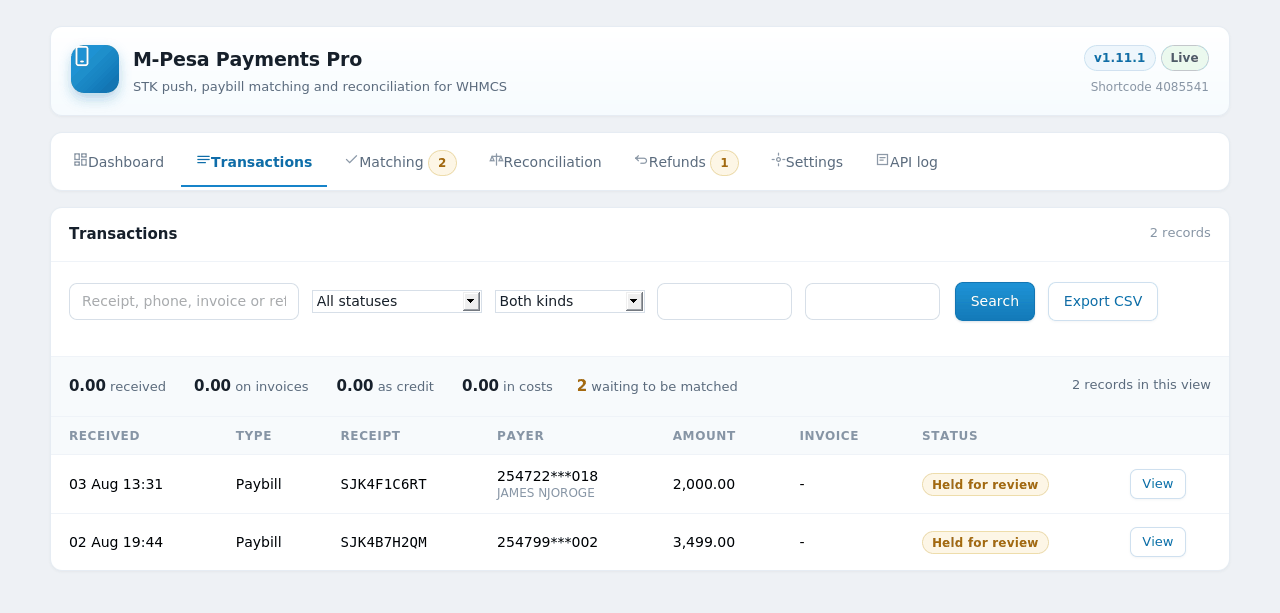
Taking a payment is the easy half. The hard half is a payment that arrives with the wrong account number, the right number but the wrong amount, or nothing useful at all. Most modules either guess or give up. This one scores every plausible invoice and tells you why.
| What the module found | Score |
|---|---|
| The account number matches an invoice | 70 |
| It matches after fixing a typo, such as O for zero | 50 |
| The phone belongs to a client, or has paid before | 40 |
| Exactly one open invoice has that balance | 35 |
| The amount equals the balance exactly | +20 |
| Paid from the number on that client's account | +15 |
| It would leave a balance owing | +5 |
| It is more than the balance | −10 |
| That invoice is already settled | −45 |
A payment is only recorded automatically when it clears your confidence threshold and beats the next best candidate by a clear margin.
Without that second rule, a client with two identical monthly invoices would get a coin toss recorded as a decision. Two close candidates always go to a person.
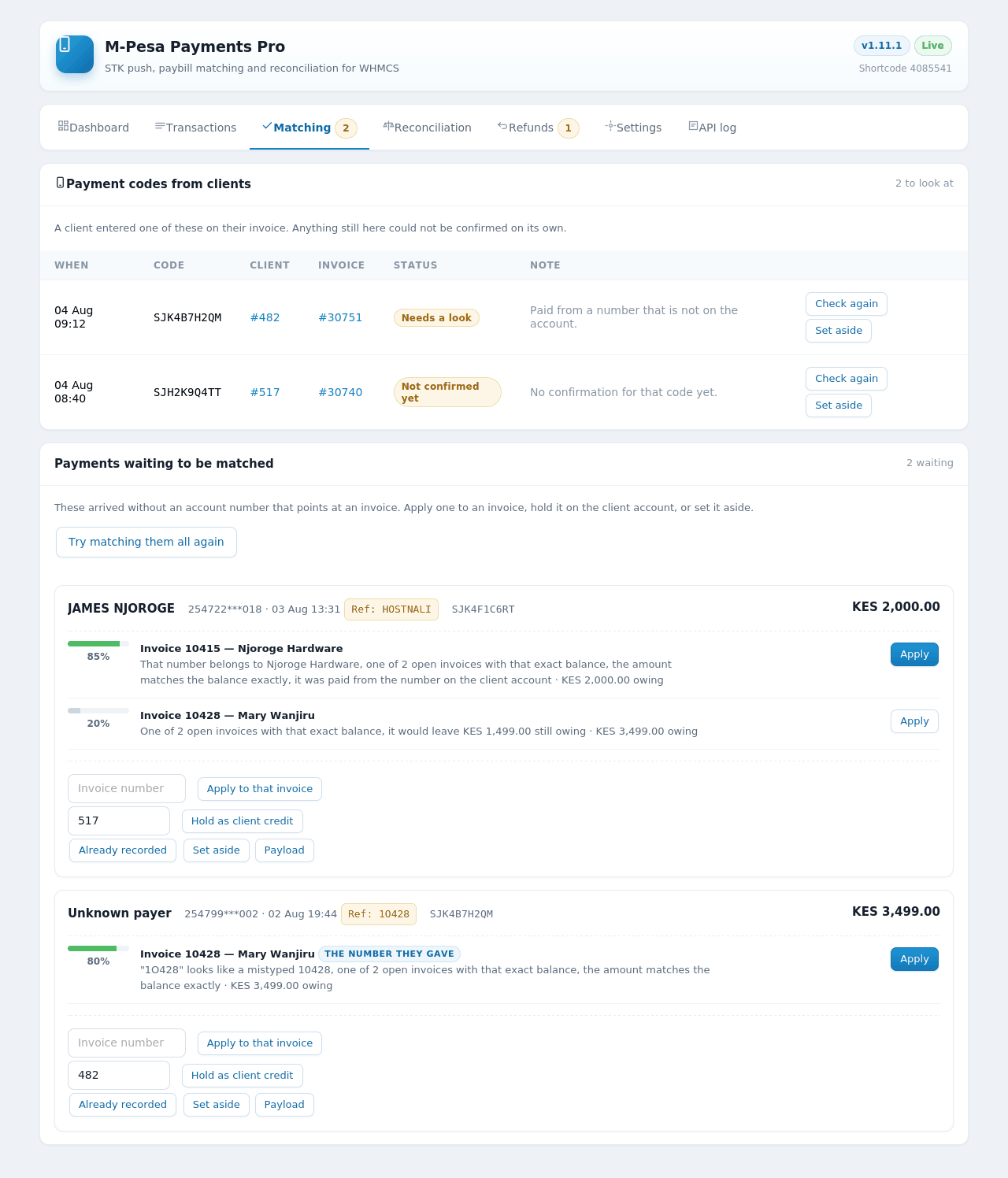
Anything not applied automatically appears with the invoice the payer actually named pinned to the top, the reason it is waiting stated in plain English, and one-click actions: apply it, apply it to a different invoice, hold it as client credit, mark it as already recorded, or set it aside.
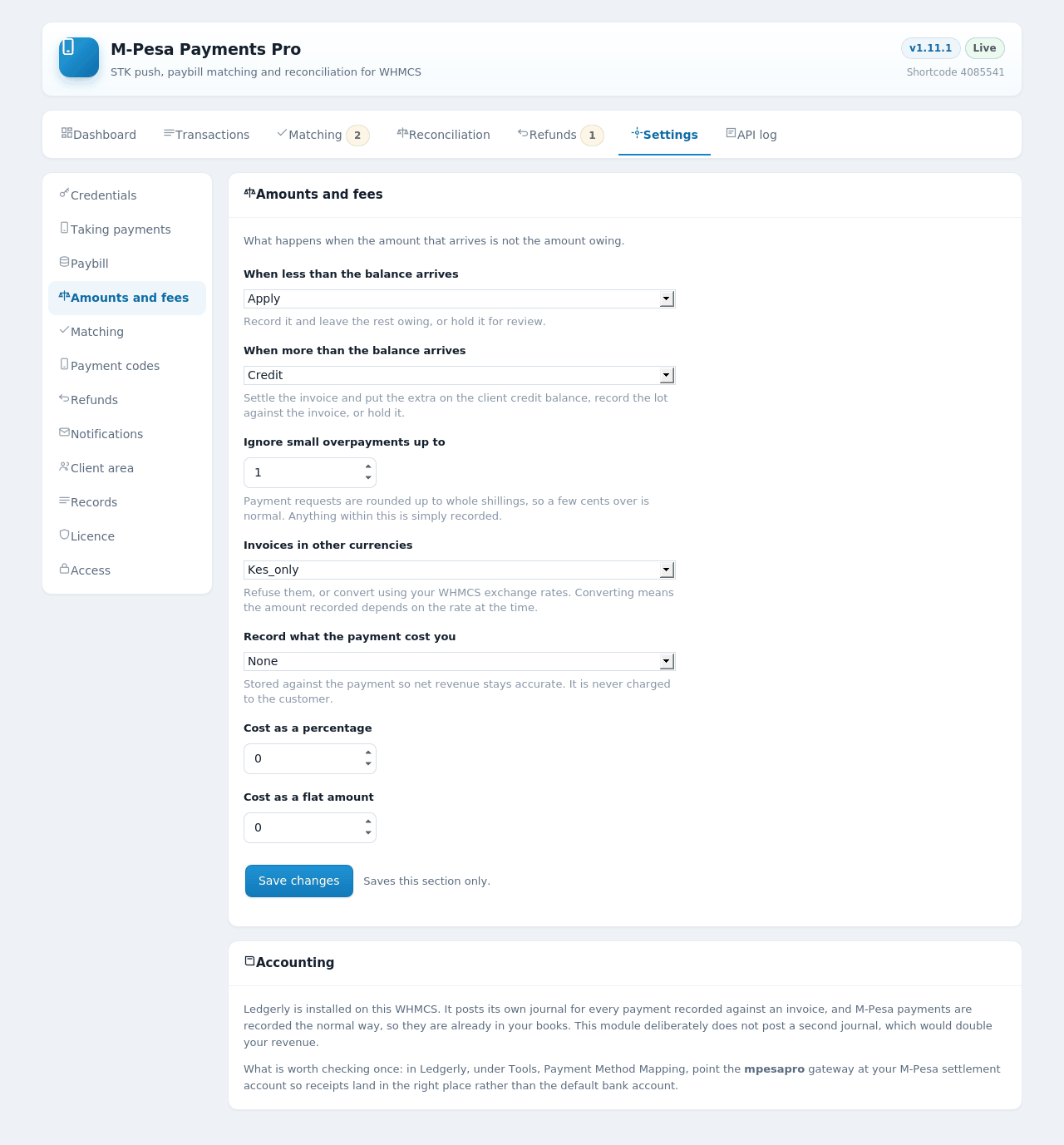
Recorded against the invoice with the balance left owing, or held for review. Your choice.
Settle the invoice and push the excess to the client's credit balance, record the lot, or hold it.
M-Pesa only accepts whole shillings, so an invoice ending in cents always collects a little over. A tolerance absorbs it silently instead of dripping cents into credit balances.
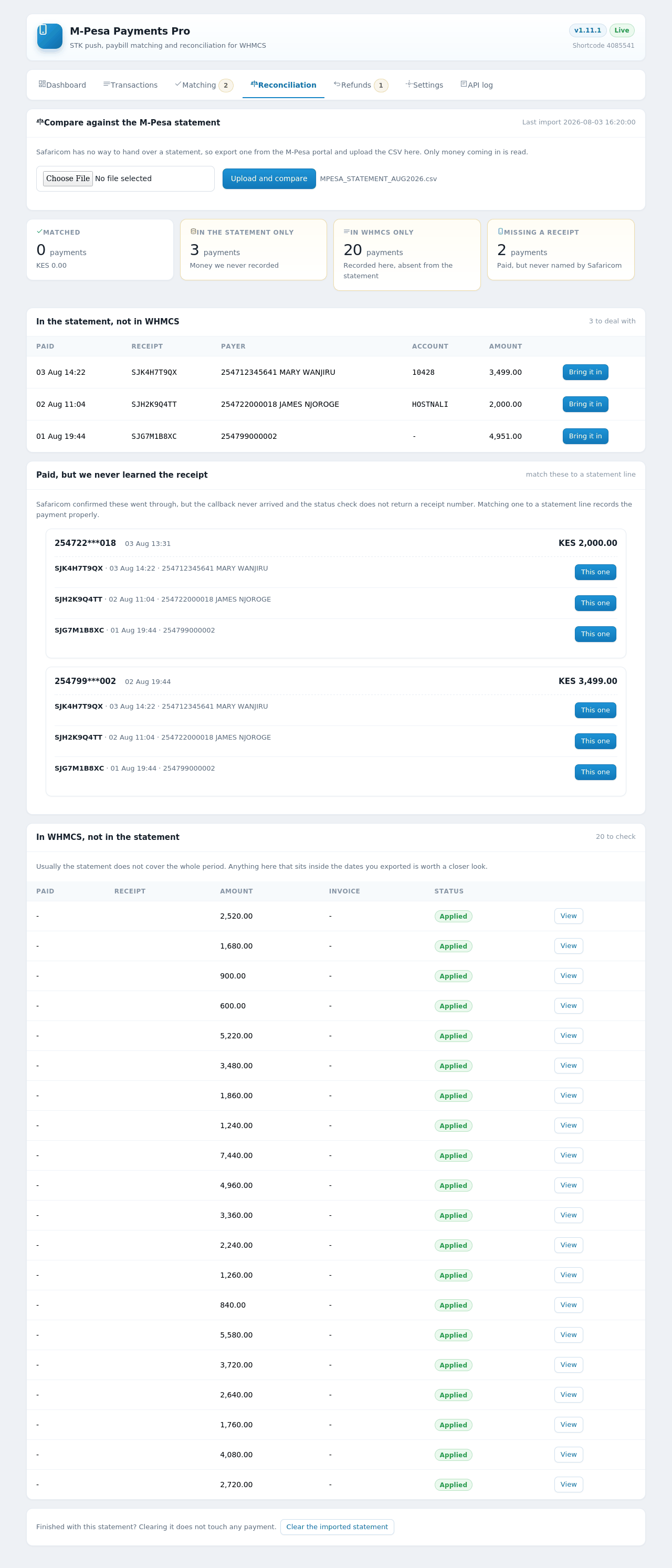
Upload the CSV from the M-Pesa portal and see four answers: matched, in the statement but not in WHMCS, in WHMCS but not the statement, and payments you know succeeded but were never named. Bring any of them in with one click.
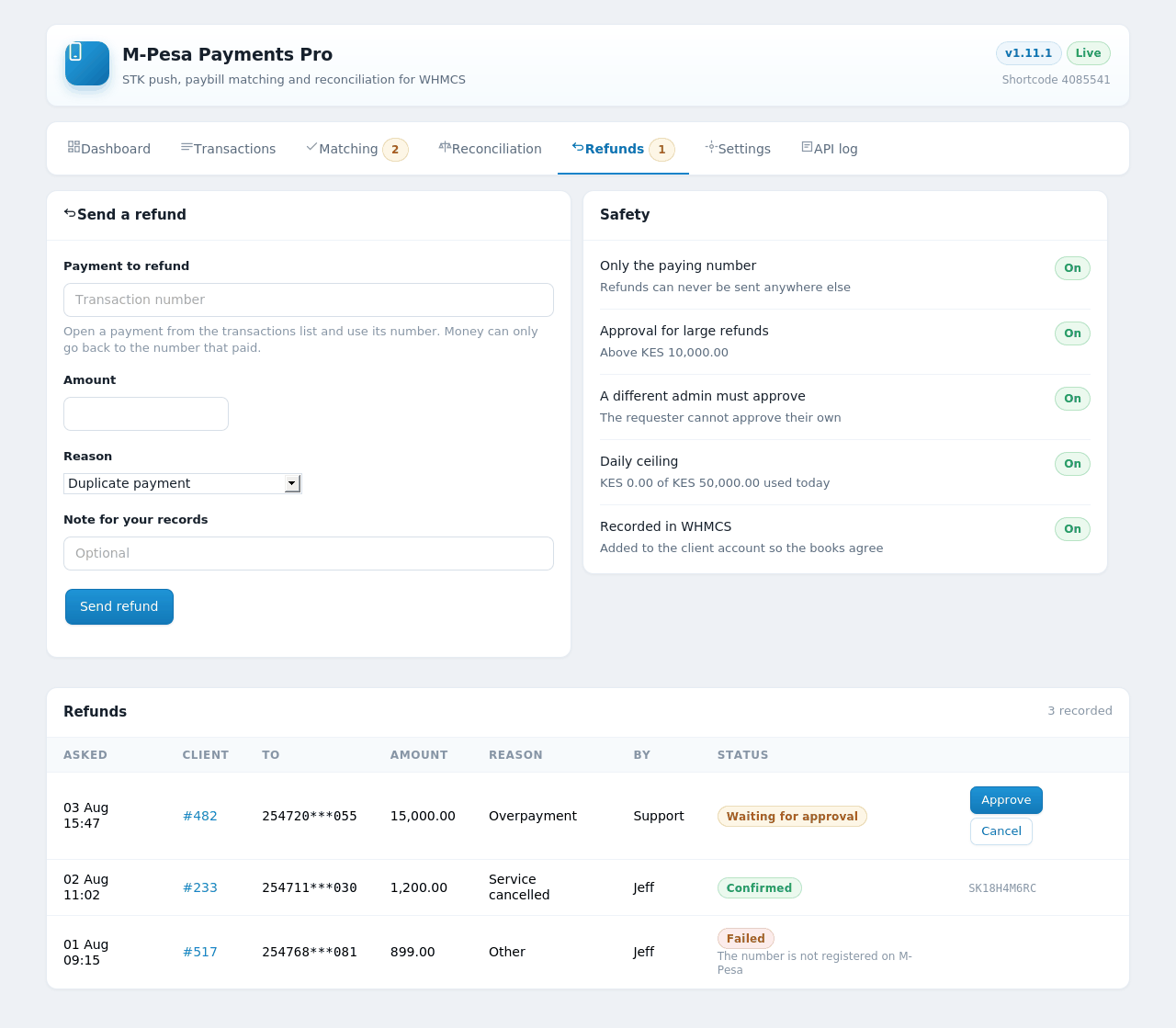
Money can only ever go back to the number that paid — there is no field to type a destination. Large refunds need approval, the requester cannot approve their own, and a daily ceiling applies across every admin.
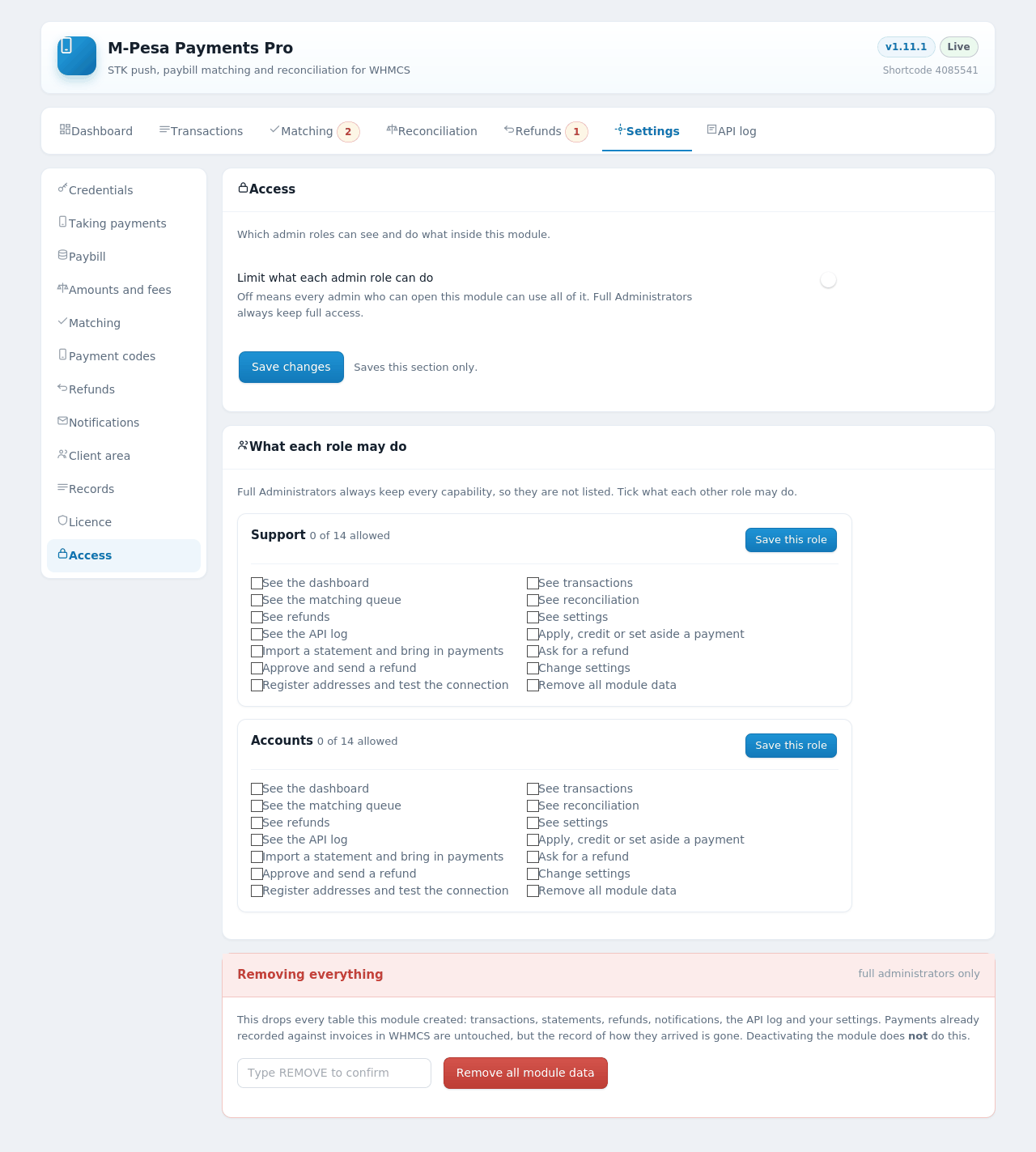
Decide which admin roles can see transactions, work the queue, change credentials or send refunds. Fourteen separate capabilities, off by default, with Full Administrators always keeping access.
Email on a payment received, a payment needing matching, or a failed request — each switched on or off separately. Sent through your WHMCS SMTP settings, so they come from your own address and land in inboxes.
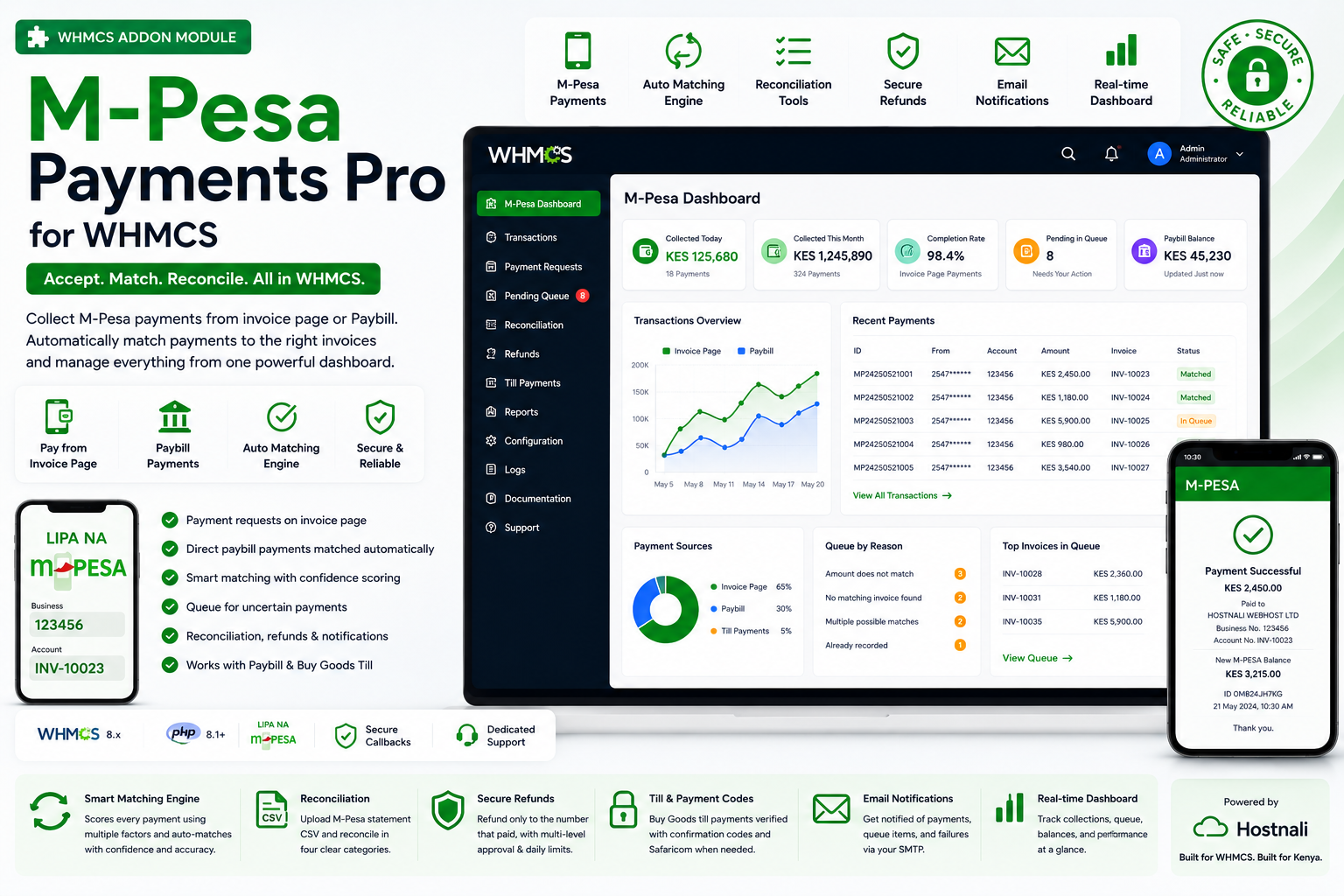
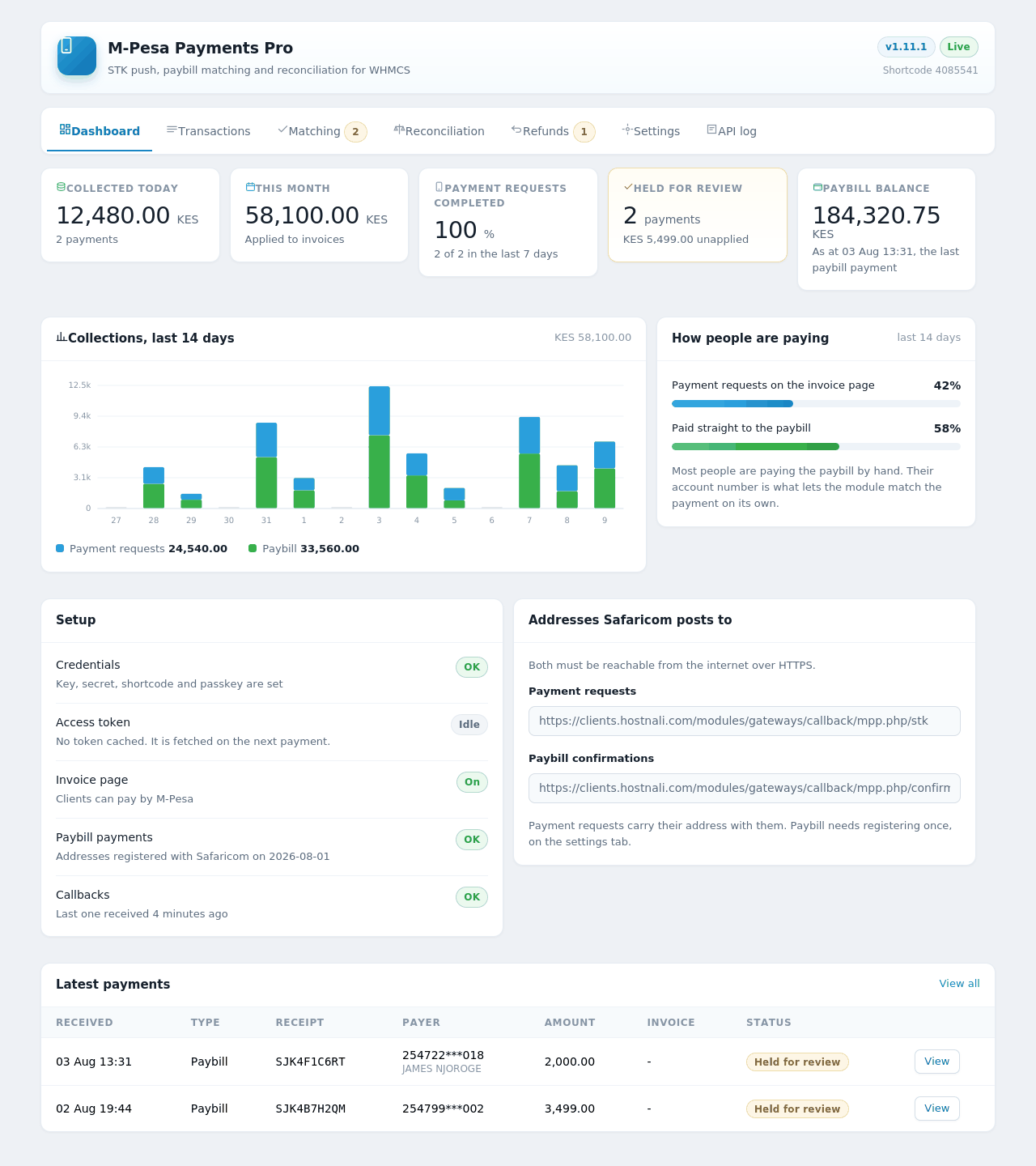
Collected today and this year, completion rate on payment requests, anything waiting, your paybill balance, a fourteen-day collections chart and the split between invoice-page and direct paybill payments.
The M-Pesa receipt is a unique key, so a resent callback, a retried cron or an impatient client cannot double-pay an invoice.
Callbacks are answered immediately and the work happens after the connection is released, so provisioning a hosting account has the time it needs without the payment being lost.
If a check fails internally, the payment is accepted and flagged, not turned away at the till.
When a figure cannot be confirmed — a balance, a conversion rate, a code — the module says so and dates it, rather than showing a number that looks live and is not.
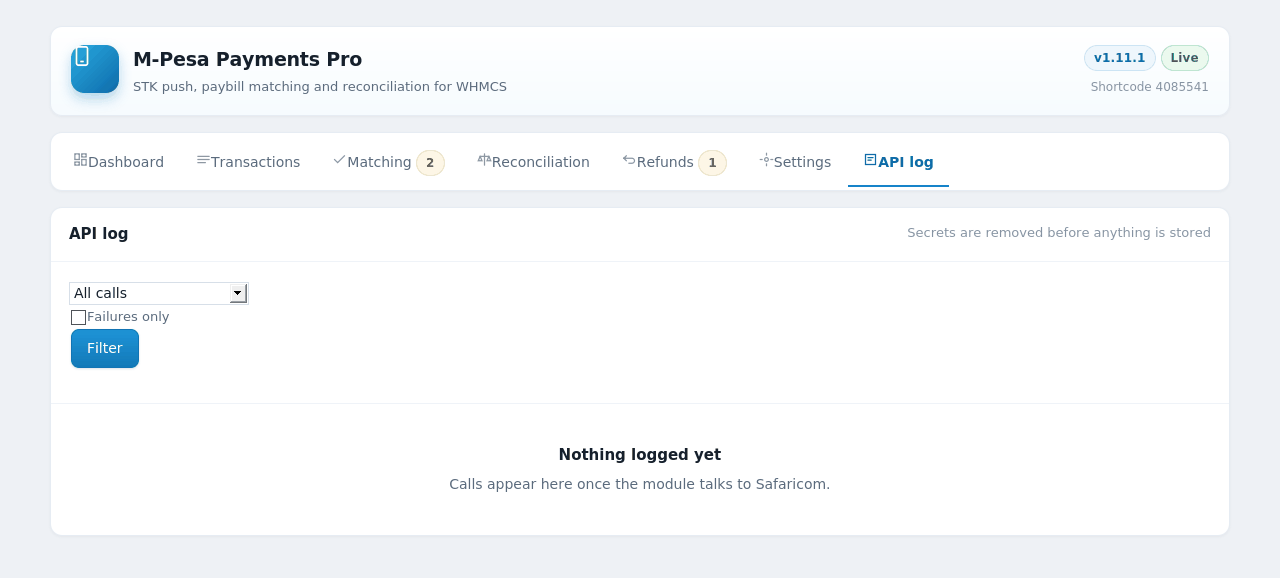
Requests to and from Safaricom, with secrets stripped before anything is written down.
Two folders into your WHMCS installation, then activate the addon. Tables create themselves.
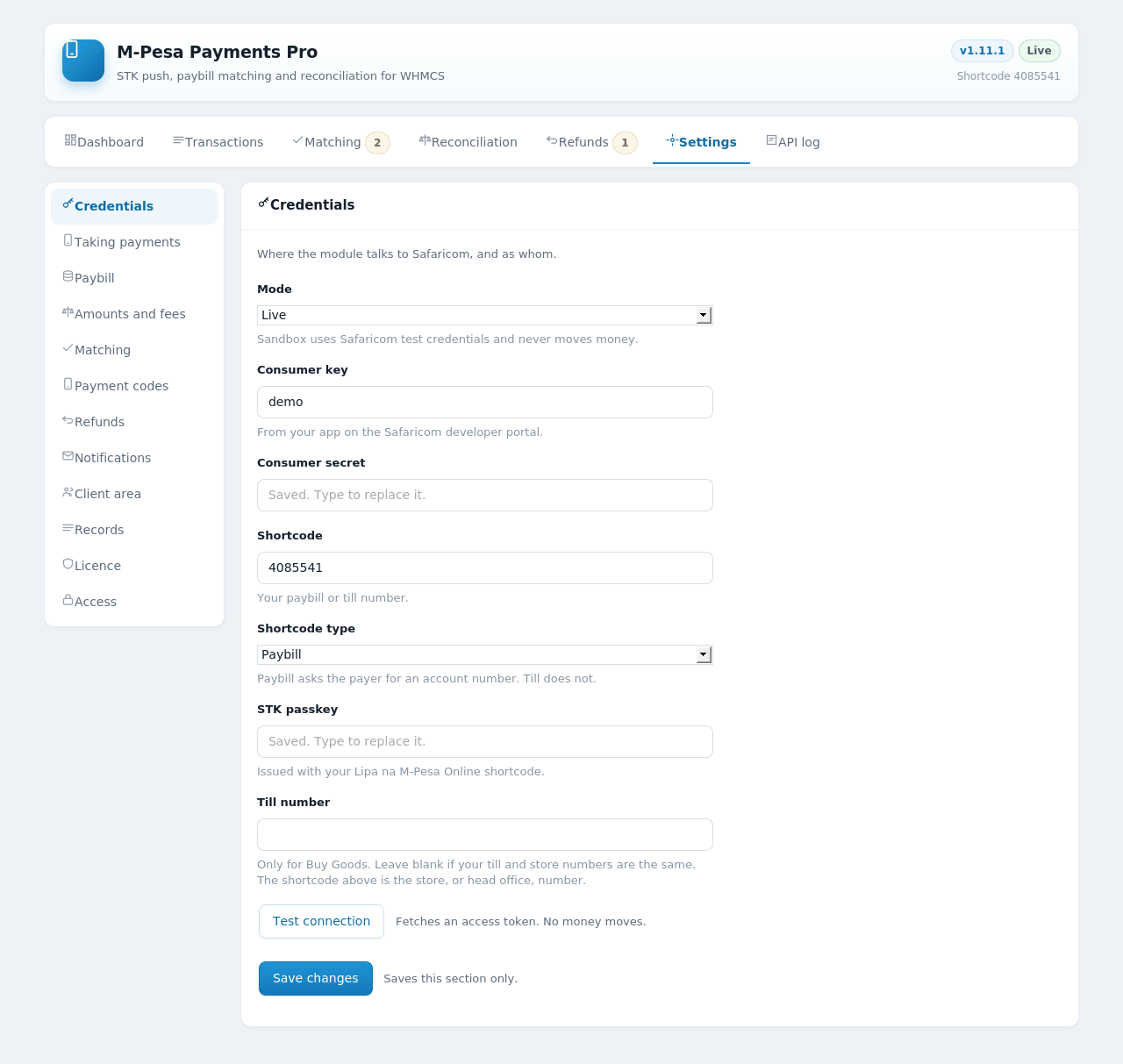
Consumer key, secret, shortcode and passkey, with a Test connection button that proves them before a single payment depends on them.
One button. The module also tells you in advance if your address contains a word Safaricom refuses.
M-Pesa appears on the invoice page with a button that inherits your theme, or the colour you choose.
Paybill or till? Paybill gets the full experience, because the account number is what makes automatic matching possible. A Buy Goods till works too — payment requests, instructions and code verification — but more payments will pass through the queue, since a till carries no account number for the module to read.
| WHMCS | 8.x |
|---|---|
| PHP | 8.1 or newer, with curl, json and mbstring |
| Safaricom | A production Daraja app on your own paybill or till, with Lipa na M-Pesa Online enabled |
| Your server | Reachable from the internet over HTTPS, so Safaricom can deliver callbacks |
| Currency | Kenya Shillings, or another currency with an exchange rate configured in WHMCS |
| Optional | An API operator name and security credential, needed only for refunds, live balance checks and code verification |
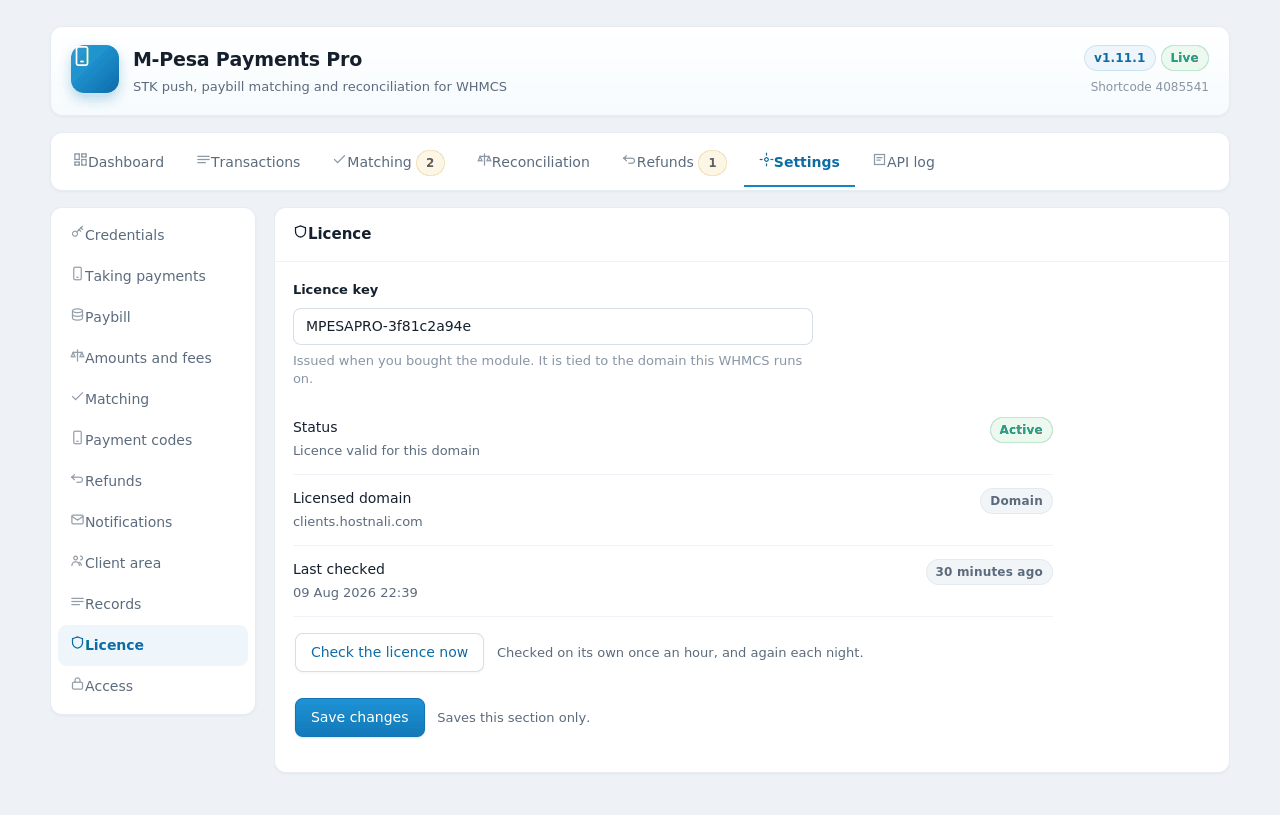
One licence covers one WHMCS domain. An expired licence pauses the admin screens and stops new payments being started — but payments already on their way are still received and recorded, so money never goes missing while a renewal is sorted out.
Screenshots
Click any screenshot to view it full size.
Release notes
Feature releases for M-Pesa Payments Pro, newest first. Maintenance releases that only correct behaviour are not listed. Every release upgrades in place — replace the files and the database updates itself the next time you open the module.
Google reviews
This has to be one of the best (reponsive) service I have experienced in my life. The useless host i was using couldn't fix the issues I had in 48 hours. I switched to Hostnali and it was fixed in less than 2 hours. You won't regret using this service.
Ogunronbi Victory7 months ago
Super fast support. Thanks to hostnali I own a reseller company now
Lord sill4 months ago
I recently migrated my domain and hosting to Hostnali Web Hosting Kenya, and the entire process was seamless. DNS propagation was completed without issues, and email services were restored promptly. Their support team demonstrated solid technical expertise, assisting with EPP code handling, nameserver configuration, and SSL setup. Performance so far has been stable, and their response times are impressive. I highly recommend Hostnali for anyone looking for a reliable, well-supported hosting provider in Kenya.
Emos Mwangia year ago
Email [email protected] or talk to our team.
Leave your name and number and we'll call you shortly.