 ZMW
 KES - Kenya
 UGX - Uganda
 TZS - Tanzania
 RWF - Rwanda
 NGN - Nigeria
 ZAR - South Africa
 USD - Zimbabwe
 GHS - Ghana
 ETB - Ethiopia
 USD - International

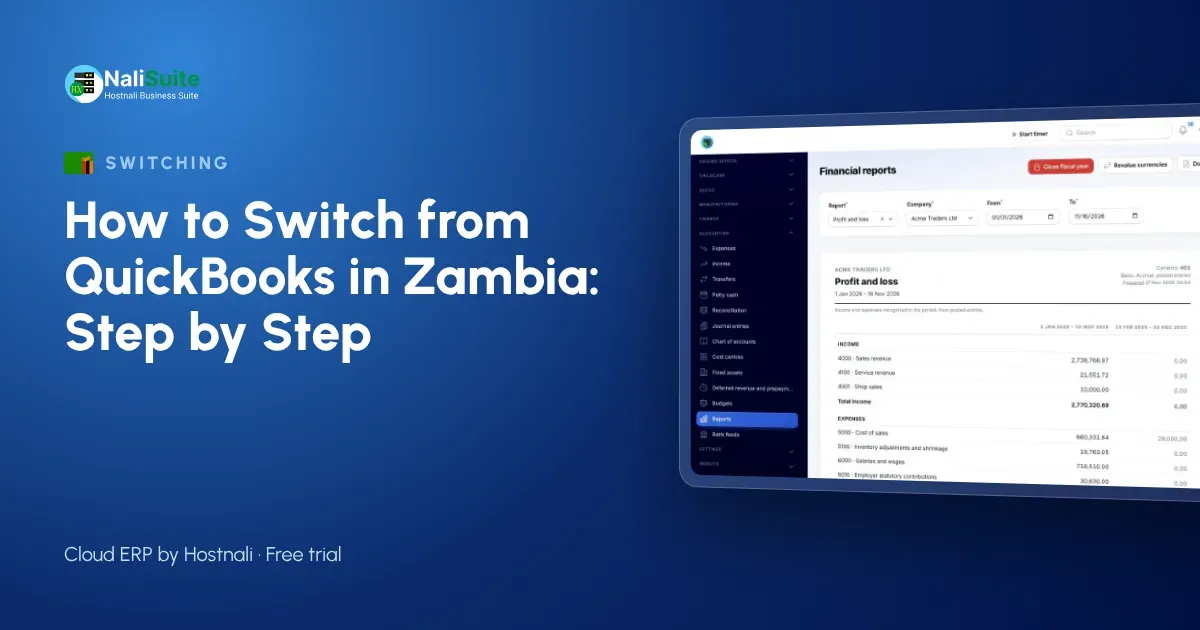
Zambian firms on Pastel or QuickBooks often run stock and payroll separately, and mobile money collections never quite reach the books. Moving to one system closes those gaps if the switch is planned.
What you gain
QuickBooks, Xero and Sage keep your books. NaliSuite keeps your books and runs the rest of the business: CRM, quotations, accounting, invoicing with MTN MoMo or Airtel Money payments, stock, the till, HR and payroll, on one login. See the full comparison on the switch from QuickBooks page.
Zambia-specific details
Zambian businesses should import TPINs for customers and suppliers, set up VAT where registered, and connect MTN MoMo or Airtel Money through their own accounts. Pastel and Sage exports import like any spreadsheet.
Questions to answer before you start
- What is your switch date, and is your accountant happy with it?
- Which reports does your accountant need from you each month in Zambia?
- Will your accountant work in NaliSuite, or should you keep a QuickBooks or Xero sync?
- How many branches, tills and warehouses need setting up?
- Are there old invoices to write off before you import?
- Does payroll move now, or after the books?
Fix the spreadsheet, not the new system
Export everything to Excel, sort each list and look for duplicates, blanks and old records. Fix them in the Excel file, save, and only then import. A clean start makes reports trustworthy from the first month.
Gather your exports
Pick a switch date, ideally the first day of a month or quarter. On that date, export your lists (contacts, items, accounts), a trial balance and the list of unpaid invoices and bills. Keep the previous software read-only afterwards: it stays your archive for past years.
The import sequence
Load reference data first and money last. Accounts, then contacts, then items, then the opening trial balance, then unpaid invoices and bills, then opening stock. If you import an invoice before its customer exists, it has nowhere to go, so this order saves a lot of re-work.
An example from Zambia
A lodge and tour operator in Livingstone kept accounts in QuickBooks Desktop and bookings in a spreadsheet, with MTN MoMo deposits noted by hand. After the switch, deposits are paid through invoice pay links, bookings and invoices share one customer record, and the season’s revenue is visible at any time.
Moving the rest of the business
Once the books are across, bring the other Excel files in one at a time: stock counts into Inventory, customer follow-ups into CRM, and employees into HR. If payroll moves too, add employees with their contracts; NaliSuite Payroll applies the deductions you set up from the first pay run.
Three things that cause most problems
Missing opening balances, duplicate customers and a parallel run that never ends. Agree the opening trial balance with your accountant, clean the contact list before importing and set a firm date to stop using the previous software.
A middle way: sync
If a full move feels too big, connect NaliSuite to QuickBooks or Xero with the QuickBooks and Xero Sync add-on. Invoices and payments created in NaliSuite appear in your accounting package, and you can switch fully later.
Step 3: run both for a month
For one month, keep entering in both systems, or at least compare the totals: sales, debtors, creditors and bank balances. When they match, stop using the old one. Most differences come from opening balances or a few invoices entered in one system only, and they are quick to find with the two side by side.
Your first month after the switch
Plan the first month carefully. Week one: invoicing and receipts from NaliSuite only. Week two: purchases and supplier bills. Week three: bank reconciliation and MTN MoMo or Airtel Money payments. Week four: stock count, payroll and the comparison with the old trial balance. Businesses in Lusaka and Ndola that follow this order rarely need to go back.
Comparing the cost
When you compare costs, add up everything: the accounting licence, the POS, the payroll tool and the time spent moving data between them. NaliSuite starts at ₵25 a month and includes all 17 apps, so the comparison is usually easy.
Coming from Tally or Odoo
The Tally and Odoo migration add-on brings ledgers, items and parties across from Tally and Odoo, so you do not have to rebuild them by hand.
Frequently asked questions
We use Pastel. Can we still switch?
Yes. Export your lists and trial balance to Excel and import them; the steps are the same.
Can guests pay deposits by MoMo?
Yes. Send the invoice with its pay link and the deposit is matched when it arrives.
How long does a switch take?
A small business can import its lists and balances in a day or two. Plan a month of comparison before you retire the old system.
Try NaliSuite
Every NaliSuite plan includes accounting, invoicing, stock, POS, HR and payroll, from ₵25 a month. Start a free trial, import your lists and see your own numbers in it, or compare the plans.