USD
 KES - Kenya
 UGX - Uganda
 TZS - Tanzania
 RWF - Rwanda
 NGN - Nigeria
 ZAR - South Africa
 USD - Zimbabwe
 GHS - Ghana
 ETB - Ethiopia
 ZMW - Zambia

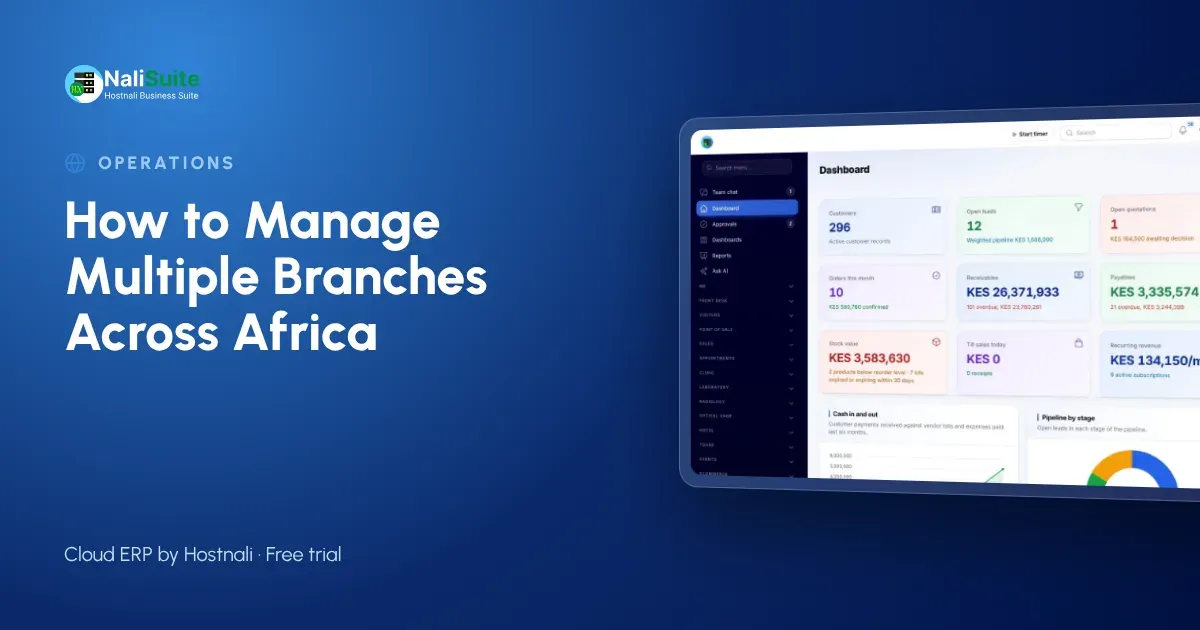
Growing from one location to several is how many African businesses scale: a second shop in town, a branch in the next city, sometimes an office in a neighbouring country. Each new branch adds stock to track, cash to control and staff to manage, and the problems grow faster than the sales.
Start with the questions you cannot answer today
How much stock of your best seller is in each branch right now? Which branch made the most profit last month, after rent and wages? How much cash should be in the Nairobi till at closing? If any of these needs a phone call, your branches are running on trust rather than on information.
Consider an agro-dealer with shops in three towns in Uganda and a new branch across the border in Kenya. Seed and fertiliser move between shops in the planting season, each shop takes cash and mobile money, and the Kenyan branch trades in shillings while the others trade in Ugandan shillings. Month-end means four spreadsheets and a lot of guesswork.
What each branch should record
| Area | What to record | Why it matters |
|---|---|---|
| Stock | Quantities per location, not one total | You see what is in Lagos versus Accra |
| Transfers | Sent and received, both confirmed | Losses show up on the day |
| Sales | Every sale through the branch till | Takings match mobile money and cash |
| Cash | Opening float, closing count | Shortfalls are spotted daily |
| Costs | Rent, wages, transport per branch | You know which branch is profitable |
Setting it up step by step
- Create a location for each branch in Inventory, plus any central warehouse.
- Count opening stock at each location on the same day, and enter it.
- Open a till per branch in the point of sale, with its own float.
- Give every staff member a login, so every sale and transfer has a name on it.
- Add a cost centre per branch in the books, and post rent, wages and transport to it.
A till for every branch
Give every branch its own point of sale with a float, and open and close a session every day. At closing, the cashier counts and the system shows what should be there in cash and mobile money. The till keeps working offline when the internet drops and syncs later.
Staff and logins
Give every staff member their own login instead of sharing one. Each sale, transfer and stock count then shows who made it. Users are counted per plan, so check that your plan covers everyone across your branches.
Reports per branch
Use a cost centre for each branch, so rent, wages and transport land against the right shop. The profit and loss report can then be run for Nairobi alone, for Kampala alone or for the whole business. More on the multi-company and branches page.
Signs your branches need a system
- Branch managers in Lagos and Accra phone each other to find stock.
- The end-of-day mobile money and cash totals rarely match the sales book.
- Stock counts differ from what you expected by more than a few items.
- You cannot say which branch is most profitable without a week of work.
- Customers get different prices at different branches.
Moving from notebooks to one system
Start with one branch, usually the main shop in Nairobi, and run it on the new system for two weeks. Use that time to set up the product list, price list and till routine. Then add the other branches one by one, each with an opening stock count on the day it goes live. Within a month every branch records sales, stock and cash the same way, and the owner’s reports come from one place.
Train one person per branch properly rather than everyone a little. The supervisor in Lagos who knows the till, transfers and stock counts well becomes the person others ask, and problems in Accra or Johannesburg get solved on the spot instead of waiting for head office. Our team can help with the first imports and set-up.
Branches across Africa: local points
Branches in another country usually need to be a separate company with their own books, tax registration and currency. NaliSuite handles several companies under one login, each with its own chart of accounts and tax settings, while price lists and invoices can use the customer’s currency. Within one country, branches are simply locations of the same company.
Businesses expanding across borders should start the new country as a small, separate company in the same system, with its own books and currency. That keeps tax and reporting clean from day one, while the owner still sees every company under one login and can compare them side by side.
Frequently asked questions
Can I run branches in two countries in one system?
Yes. Set up each country’s business as its own company with its own books and taxes, and switch between them with one login.
Can branches use different currencies?
Yes. Each company keeps its own base currency, and price lists and invoices can be in the customer’s currency.
How many branches can NaliSuite handle?
Every plan can run several branches; plans differ by users and storage. The Business and Enterprise plans suit larger teams, and Enterprise is made for groups and multi-company operations.
Try NaliSuite
NaliSuite runs inventory, point of sale, purchases and accounting for every branch in one cloud ERP, from $2.10 a month. Compare plans on the plans page and start a free trial.