USD
 KES - Kenya
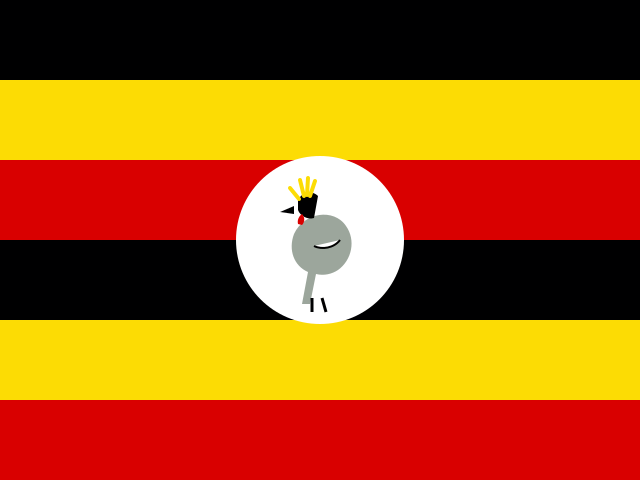 UGX - Uganda
 TZS - Tanzania
 RWF - Rwanda
 NGN - Nigeria
 ZAR - South Africa
 USD - Zimbabwe
 GHS - Ghana
 ETB - Ethiopia
 ZMW - Zambia
More and more small African businesses work across borders. A consultancy in Nairobi has clients in Kampala and Kigali, a design studio in Lagos works with brands in Accra, and a Johannesburg engineering firm sends staff to Lusaka and Gaborone. The team is small, often partly remote, and the clients expect the same clarity as they would from a large firm.
This guide covers what changes when your projects, people and clients are spread out, and how to keep it simple.
The example: a regional marketing consultancy
Consider a consultancy with twelve people: four in Nairobi, three in Lagos, two in Accra and three freelancers elsewhere. It runs market research, brand strategy and campaign projects for clients in five countries. Some projects are paid in one currency, some in another, and nobody is ever in the same room.
One shared plan, wherever people sit
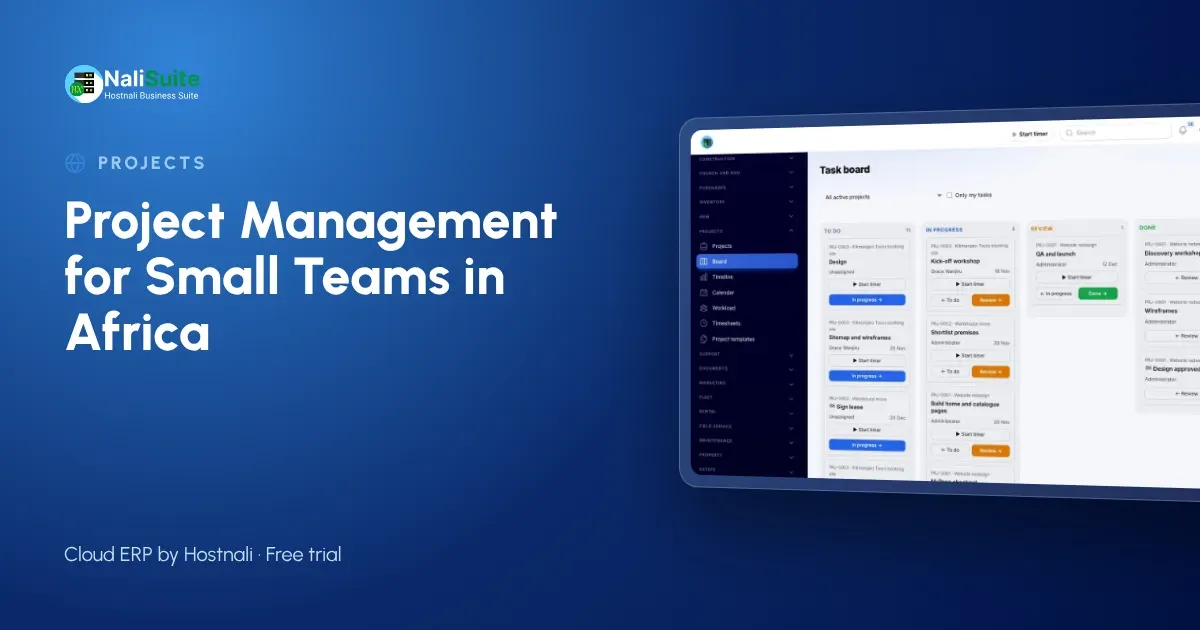
When a team is spread over several cities, the plan has to live online, not in a meeting room. In NaliSuite Projects each client job is a project with tasks, each task has an assignee, a due date and a checklist, and everyone works from the same board, timeline and calendar.
Three habits matter more for remote teams than for teams in one office:
- Write things down on the task. A short note after every client call means the colleague in another city knows what was agreed.
- Make status visible. A board column such as Waiting for client tells everyone which jobs are stuck through no fault of the team.
- Agree on one weekly review. Thirty minutes on a call, looking at late tasks and the workload view together.
Time zones and working hours
Most of Africa sits within a few hours of each other, but a team spread from Dakar to Nairobi still has three hours between its first and last colleague starting work. Use due dates rather than “end of day”, and plan handovers so that work finished in Nairobi in the afternoon is waiting for Lagos the next morning.
Logging time across the team
Remote staff and freelancers log time on tasks using a timer or timesheet, and a project lead approves it weekly. This is the only reliable way to know how long work takes when you cannot see people working, and it is the basis for billing time-based contracts.
Clients in several countries
Cross-border work raises two practical questions: how to invoice and how to get paid.
- Invoicing. Raise invoices from NaliSuite Invoicing against milestones, fixed prices or approved time. Each client gets invoices that match its contract.
- Getting paid. Clients can pay by card, or by the mobile money they use locally, such as M-Pesa, MTN MoMo or Airtel Money, through mobile money payments, with each payment recorded against the invoice.
If you operate a separate company in more than one country, multi-company lets each company keep its own books, taxes and documents under one login, with reports for one company or all of them.
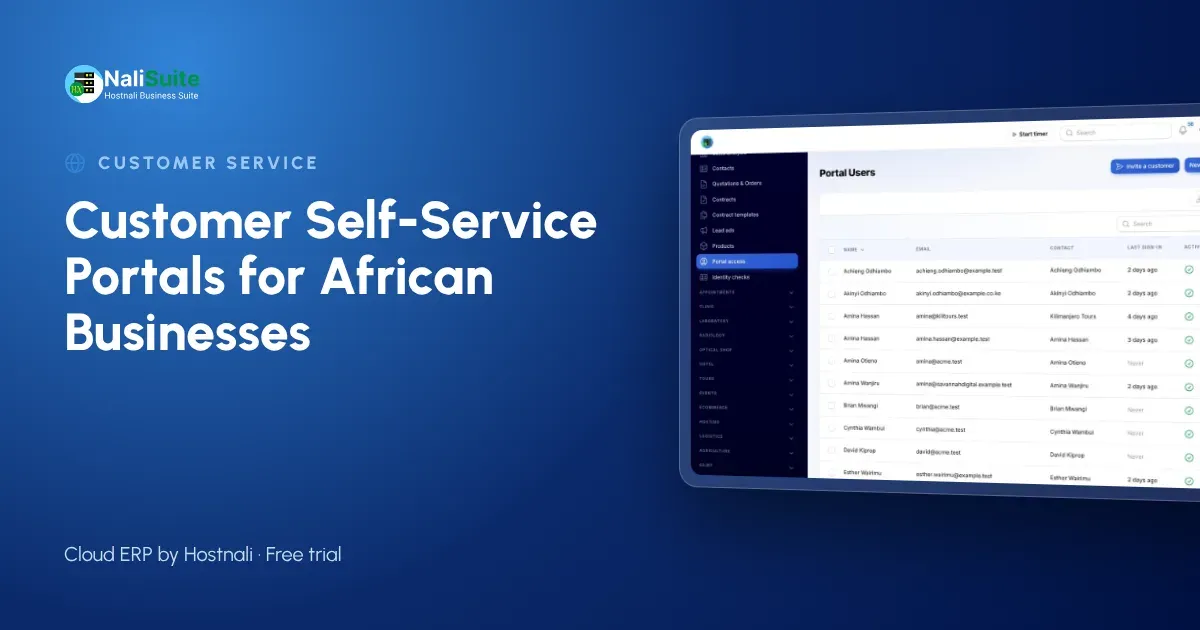
Clients can follow their projects in the customer portal, see their invoices and download reports and shared files, which matters when you rarely meet them face to face.
Knowing who is overloaded
The workload view shows who is over or under booked across every project. For a distributed team this is crucial, because you cannot see that someone is drowning. In the example consultancy, it showed that the Accra strategist was on four projects at once while a Lagos colleague had capacity, so two research tasks moved.
Profit per project and per market
Profitability compares what you billed with the cost of the time logged. Over a few quarters, a cross-border firm learns which markets and which project types pay. Our consultancy found that research projects in its home market were steady, while first-time clients in new countries took far more time to win and manage. It now prices onboarding into new-market proposals.
Data protection across borders
Client and staff data in your projects is personal data under the law of each country you work in, for example Kenya’s Data Protection Act, Nigeria’s Data Protection Act or South Africa’s POPIA. Give portal users access only to their own organisation’s records and limit staff to the projects they work on. Check the rules that apply when you move personal data between countries.
A simple rollout for a distributed team
- Week 1: create projects for active jobs and assign every task.
- Week 2: start logging time and hold the first weekly review.
- Week 3: invite your friendliest client to the portal.
- Week 4: save your most common job type as a template.
Frequently asked questions
Can freelancers in other countries use the same projects?
Yes. Add them as users with access to the projects they work on, and they log time and update tasks like everyone else.
Can clients in different countries pay in different ways?
Yes. Invoices can carry card and mobile money options, depending on what your payment provider supports in each market.
Can we keep separate companies apart?
Yes. Multi-company gives each company its own books, taxes and documents, and managers can report on one company or all of them.
Try NaliSuite
NaliSuite includes Projects, Invoicing and the customer portal on every plan, from $2.10 a month. Compare the plans and run one cross-border project in a free trial.